
How do I pair my phone with my gaming PC without typing a PIN?
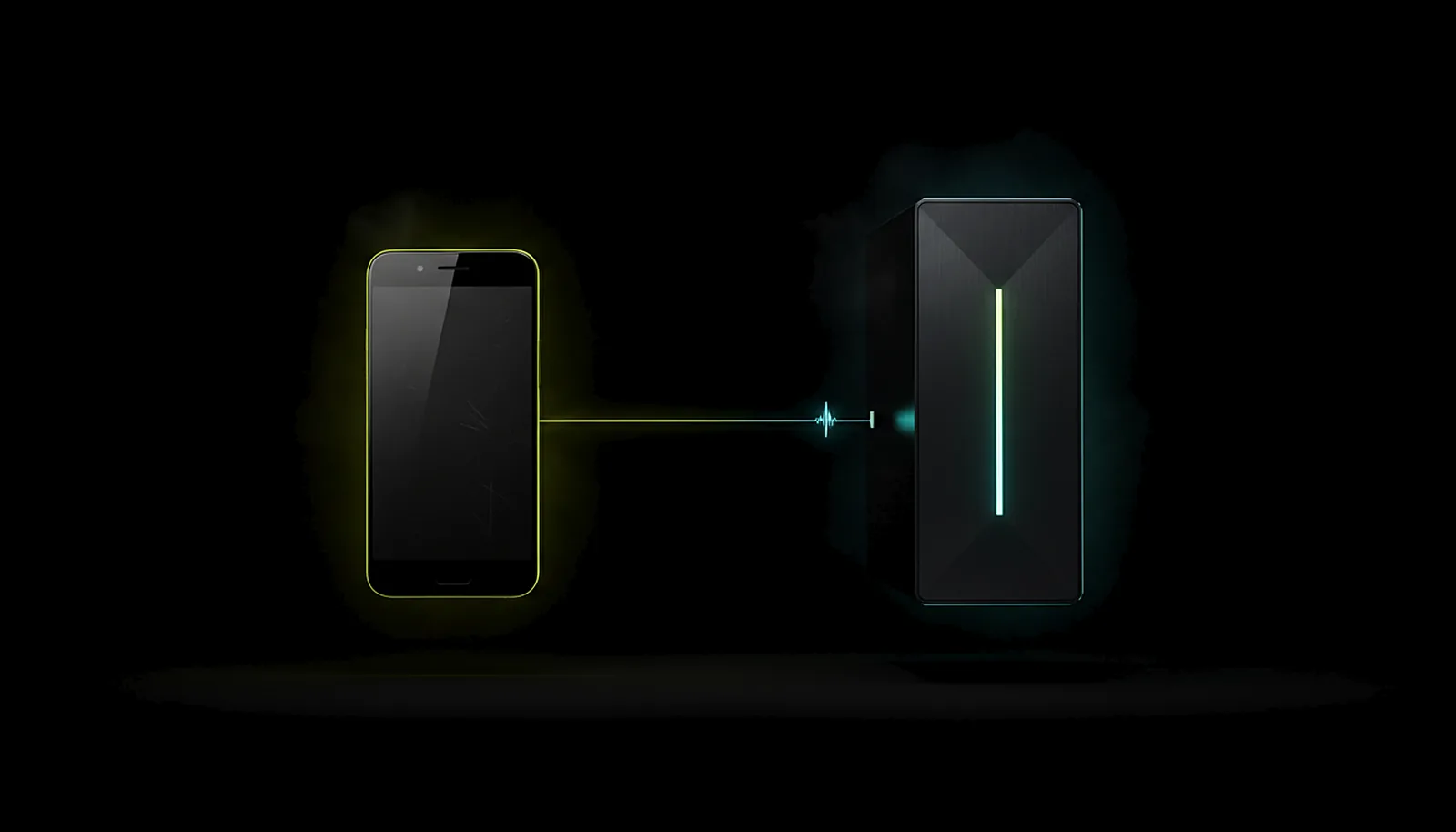
With ChimpDeck for Windows, pairing is like a phone call: at home the PC shows who is calling, from where, and a six-digit number both sides computed; if the phone shows the same number, accept, nothing to type. A trusted phone can accept for others; a reinstalled app re-pairs silently.
Updated 2026-09-14
The problem
Every new device means the same dance: the phone asks for a PIN, you walk to the PC, open the host’s web panel, type four digits, walk back. Reinstall the app and you do it again. Your IP changes and, on some setups, you do it again.
On a TV it is worse — the PIN prompt on the box, the panel on the PC in another room, and a remote to type with.
Pairing exists for a good reason: only your devices should get in. It just should not need a keyboard.
Why it happens
A PIN is a shared secret typed by a human so that two machines can trust each other. It works, but it puts the human in the middle every time. The alternative is to let both machines compute the same number from their own identities and show it on both screens: if the numbers match, you are looking at the right PC and the PC is looking at the right phone, and you only have to say yes.
Tying the pairing to identities rather than addresses is also what makes it stick: a new IP, a reinstalled app or a different network do not change who the devices are.
How to solve it with ChimpDeck
- 01
Be on the home network the first time
Open the PC page in the app while phone and PC share the network. The PC that is already linked appears on its own; the first PC is added by its address on the PC side, then remembered — finding it by name is coming soon.
- 02
Compare the number, then accept
The PC shows who is knocking, from where, and a six-digit number; the phone shows the same one. Accept on the PC or from a phone that is already trusted. No PIN to type, nothing to memorise.
- 03
Decide who is trusted
Paired lets a device play; trusted is a second, deliberate permission: a trusted phone can accept other devices knocking and reach the PC from anywhere — the meeting point uses it.
- 04
Reinstall without re-pairing
A reinstalled app is recognised by the PC and re-paired silently the next time it sees it at home; the app also re-learns and re-pairs the PC by itself when the USB link comes up.
- 05
Forget a device when you want
Devices you have not paired do not get in; devices you no longer want can be forgotten from the PC panel. The link itself is protected end to end.
- 06
Keep the pairing through drops
Because pairing is identity-based, a network drop or a new address never asks you to pair again, and waking the PC works from the same card.
What you get
Nothing to type, ever
A matching number on both screens and one accept.
It sticks
Reinstall the app, change IP, change network: still paired.
Trusted is explicit
A separate permission for the phone that can let others in and reach the PC from anywhere.
Works on the TV
Accept from the remote or from a trusted phone; no panel to type into.
Compared with Moonlight, Steam Link and Parsec
Moonlight with Sunshine or Apollo types a PIN on the host each time a device pairs, and a reinstall means pairing again. Steam Link shows a PIN typed once in Steam; Parsec pairs through an account login. ChimpDeck pairs by matching numbers with no typing, keeps the pairing through reinstalls, and needs no account. This is a ChimpDeck-host feature: with a Sunshine or Apollo host the app pairs with their usual PIN. One thing coming soon: finding a new PC by name on the LAN — today the first PC is added by address, then remembered and learned on its own. It is also the reason ChimpDeck is the easier setup.
See the full comparison table
 [ GET STARTED ]
Get ChimpDeck —free on Android and Windows.
Install both, pair once, play. Every feature is in the free tier.
ANDROID 8+ · WINDOWS 10/11 · NVIDIA GPU · FREE TO PLAY
Related questions
 Alternatives
Is there an easier alternative to Sunshine and Moonlight?
Read the answer Picture & quality
Why does remote play keep disconnecting on my Wi-Fi?
Read the answer Setup & privacy
Is streaming my PC to my phone private and safe?
Read the answer Away from home
How do I play my PC games away from home without port forwarding?
Read the answer Setup & privacy
How do I turn on my PC remotely to play from another room?
Read the answer
More questions about this
01Do I need to pair again after reinstalling the app?
No. ChimpDeck for Windows recognises the device and renews the pairing silently the next time it sees it at home.
02Do I need to pair again if my phone’s IP changes?
No. Pairing is tied to identities, not addresses.
03What does «trusted» add over «paired»?
Paired lets a device play. Trusted lets it accept other devices knocking and reach the PC from wherever it is. It is a separate, deliberate permission.
04How does pairing work with a Sunshine or Apollo host?
With their usual PIN typed on the host; ChimpDeck for Android is a full client for them. The number-matching pairing needs ChimpDeck for Windows.