
Why does remote play keep disconnecting on my Wi-Fi?
Because Wi-Fi blinks (a roaming hop, a microwave, a neighbour’s network) and most clients treat a few seconds of silence as the end of the session. ChimpDeck does not: the host pauses after 10 seconds without signal, keeps the session up to 10 minutes, and the app reconnects by itself.
Updated 2026-09-14
The problem
You are mid-match and the picture freezes; a moment later you are back at the app’s list of PCs, the game still running on the PC without you. Reconnect, find the window, and hope the match is still there.
It happens when someone opens a door between you and the router, when the phone hops to the other band, when the microwave runs. None of these lasts more than a few seconds — but the session is already gone.
What you want is a link that treats a blip as a blip: wait, reconnect, carry on.
Why it happens
A streaming session is a stream of packets with a heartbeat. When the heartbeat stops, the host has to decide whether the client is gone. Most decide quickly and tear down the session, closing the capture and the encoder, so even a two-second gap means starting over — and, on some clients, pairing or launching the game again.
The alternative is to pause instead of close: stop capturing and sending, keep everything else alive, and wait for the client to come back. That costs nothing on the PC and turns a Wi-Fi blink into a short freeze.
How to solve it with ChimpDeck
- 01
Let the session pause instead of die
With ChimpDeck for Windows, 10 seconds without signal from the device pauses the session: capture and sending stop, nothing closes, and it is kept for up to 10 minutes before being considered abandoned.
- 02
Let the app reconnect on its own
If the picture stops arriving, the app keeps the game open and reconnects by itself — no «connection lost, go back to the list». When the device is back, play resumes where it was.
- 03
Keep the link steady while it lasts
The app enables Android’s low-latency Wi-Fi mode while a session is live, a watchdog handles reconnection and hand-over, and the background service keeps running if you leave the app.
- 04
Never reconnect into a broken picture
After any gap the app waits for a key frame before decoding anything, so the first thing you see is a whole picture — corruption never sticks.
- 05
Fix what can be fixed
Wire a TV box; keep the phone on the 5 GHz band; if the same room always drops, that is the router, not the app. Judder and stutter have their own page.
- 06
Away from home, the same rule applies
On 4G or 5G a signal dip pauses the session on the PC too, and the app reconnects through the direct path when the signal is back.
What you get
A pause, not an ending
10 seconds of silence pauses; up to 10 minutes are kept. The game stays open.
Reconnection without you
The app comes back into the same session on its own; no list, no PIN, no relaunch.
Pairing that sticks
Identity-based pairing means a new address or a reinstall never asks you to pair again — [[pair-without-pin|how pairing works]].
A whole picture on return
Key frame first, then decoding; late packets from before the gap are ignored.
Compared with Moonlight, Steam Link and Parsec
Moonlight with Sunshine or Apollo ends the session on a network drop; so do Steam Link and Parsec, each with its own reconnect flow — Moonlight’s and Steam Link’s take you back to a list, Parsec’s to its account. ChimpDeck keeps the session alive on the PC and reconnects the app into it. This needs ChimpDeck for Windows on the PC; with a Sunshine or Apollo host the app behaves like any other client of theirs. And a limit that is the same everywhere: a network that is down for more than ten minutes is a new session for everybody.
See the full comparison table
 [ GET STARTED ]
Get ChimpDeck —free on Android and Windows.
Install both, pair once, play. Every feature is in the free tier.
ANDROID 8+ · WINDOWS 10/11 · NVIDIA GPU · FREE TO PLAY
Related questions
 Picture & quality
Why is my game stream pixelated or corrupted over Wi-Fi?
Read the answer Picture & quality
Steam Link stutters and lags on my Android TV — how do I fix it?
Read the answer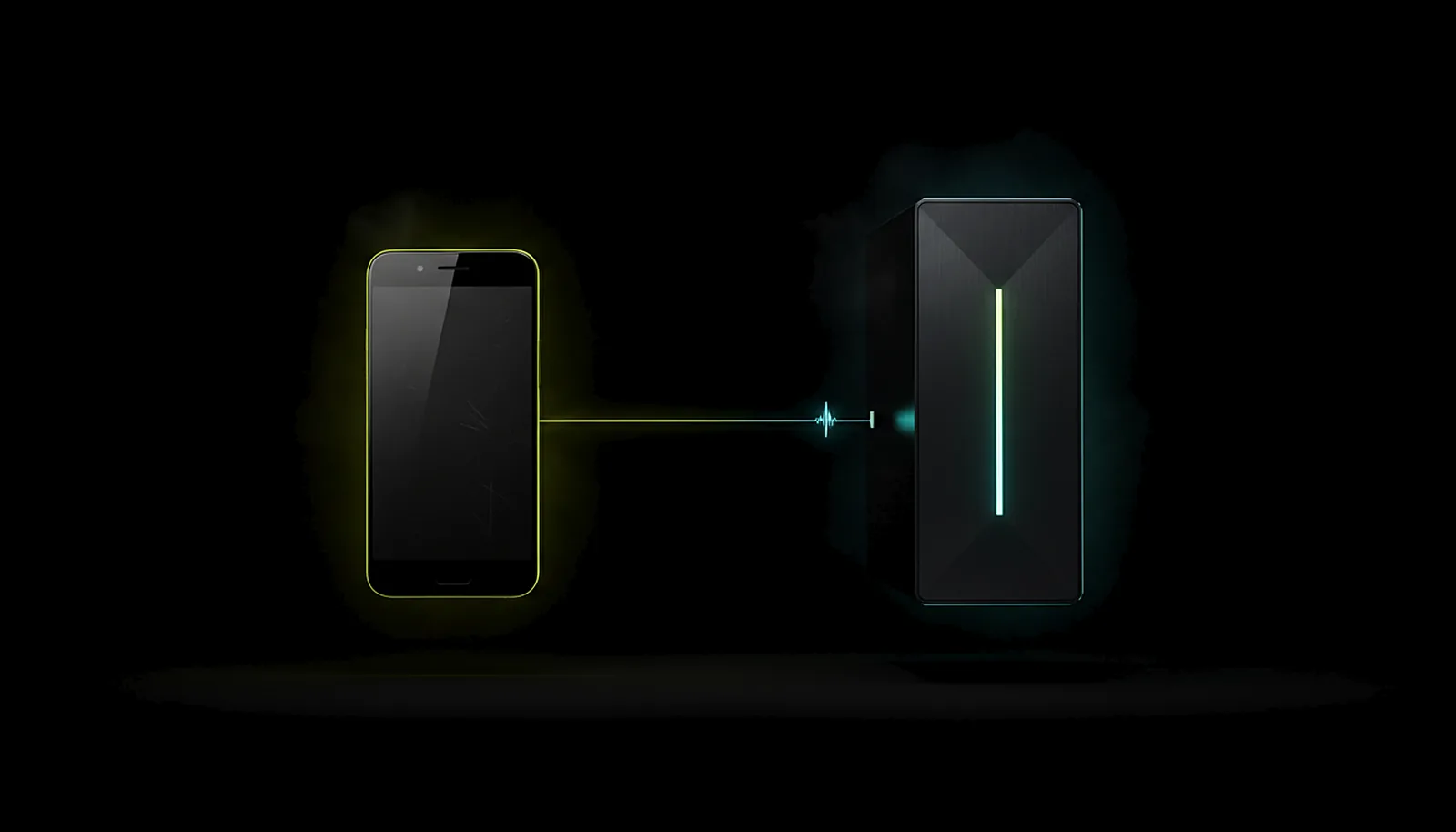 Setup & privacy
How do I pair my phone with my gaming PC without typing a PIN?
Read the answer Away from home
Can I play my PC games over 4G or 5G on my phone?
Read the answer
More questions about this
01Does it keep running if I leave the app?
Yes: background service, watchdog, automatic reconnection and hand-over, autostart on boot or when a pad is plugged in.
02What happens on the PC while the session is paused?
Capture and sending stop; the game, the virtual display and the controller bridge stay as they are. After 10 minutes without the device the session is considered abandoned and cleaned up.
03Do I need to pair again after a drop or a reinstall?
No. Pairing is tied to identities, not addresses, and a reinstalled app is recognised and re-paired silently at home.
04Does this work with a Sunshine or Apollo host?
The pause-and-resume needs ChimpDeck for Windows. With a Sunshine or Apollo host, a drop ends the session as it would on Moonlight.