
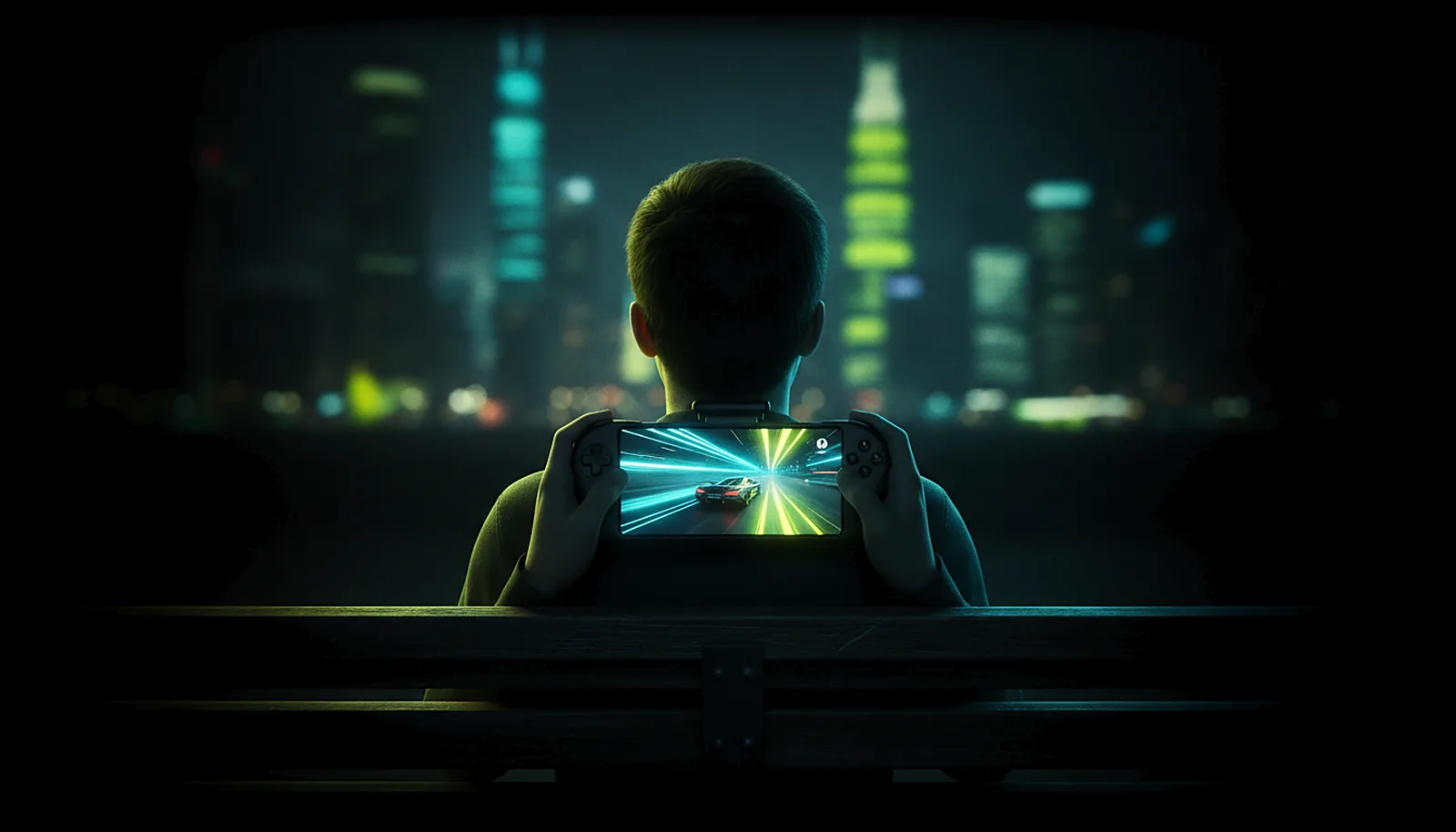
Can I play my PC games over 4G or 5G on my phone?
Yes. On 4G or 5G the ChimpDeck app finds your PC through the meeting point and opens a direct path: no port forwarding, no VPN, no account. Picture quality adapts live to the link, and the app measures latency and shows it with its margin of error, never a promise.
Updated 2026-09-14
The problem
You have a good 5G signal on the train, a phone with a clip-on pad, and a PC at home doing nothing. The apps you have tried either need a router rule you cannot set from here, or an account and a relay, or they connect and then the picture falls apart as the signal changes.
Mobile networks are not home Wi-Fi: the address changes, the carrier sits between you and the internet, and the bandwidth swings from cell to cell.
What you want is to open the app, see the PC, and have the stream cope with the network instead of you coping with the app.
Why it happens
Two things make mobile play hard. Reaching the PC: your home router does not accept incoming connections, and a phone on 4G is behind the carrier’s own address translation, so neither side can simply call the other. And keeping the picture whole: mobile links lose packets in bursts and change capacity constantly.
The first is solved by a meeting point that both sides call out to and that helps them open a direct path (UDP hole punching). The second by a regulator that changes bitrate and repair live, and an integrity check that never shows a broken frame.
How to solve it with ChimpDeck
- 01
Pair at home once
The first pairing is on the home network, without a PIN. Mark the phone as trusted so it can reach the PC from anywhere. Leave the PC on and registered at the meeting point; its panel says when it is.
- 02
Open the app on mobile data
It tries the home address, then the public address, then the meeting point, in that order, in a few seconds. The direct path opens and the PC is offered as «SEE <PC>» — nothing to open on the router.
- 03
Know when the carrier blocks it
Both sides measure how their networks assign addresses (two echo checks from the same socket). If a direct path is impossible on your carrier, the app says so plainly instead of failing silently.
- 04
Let quality follow the signal
The regulator lowers bitrate and raises repair when it sees losses and puts them back when the link recovers, without reconnecting. Every frame is checked; a damaged one is repaired or skipped, never smeared.
- 05
Ride out a cut
If the picture stops, the host pauses for up to 10 minutes and the app reconnects by itself when the signal is back — the game is still open where you left it.
- 06
Play at the phone’s exact size
The PC serves the resolution it learned at pairing on a virtual display, so no black bars on the train; with a clip-on pad the phone is a handheld for your PC library.
What you get
No router, no VPN, no account
The PC calls out, the app calls out, the meeting point introduces them and steps aside.
Video and inputs go direct
On the normal path everything travels straight between phone and PC; only a few kilobytes of control pass through the service.
A measured latency
Synchronised clocks, the figure with its margin of error, on your carrier — no fake number.
Honest about blocked networks
Some carriers block direct paths; the app tells you. A capped relay for that case is coming soon.
Compared with Moonlight, Steam Link and Parsec
Moonlight with Sunshine or Apollo can play over 4G too, but only after port forwarding, a VPN or Tailscale on both ends. Steam Link and Parsec reach your PC through their own relays, which is convenient and means an account and their infrastructure in the middle. ChimpDeck uses a meeting point with no account and then goes direct. The honest limit is shared by all direct approaches: some mobile carriers and corporate networks block device-to-device paths; today ChimpDeck tells you clearly, and a capped video relay through the meeting point for those cases is coming soon. Your traffic is protected end to end either way.
See the full comparison table
 [ GET STARTED ]
Get ChimpDeck —free on Android and Windows.
Install both, pair once, play. Every feature is in the free tier.
ANDROID 8+ · WINDOWS 10/11 · NVIDIA GPU · FREE TO PLAY
Related questions
 Away from home
How do I play my PC games away from home without port forwarding?
Read the answer Picture & quality
Why is my game stream pixelated or corrupted over Wi-Fi?
Read the answer Phone & tablet
How do I turn my phone into a Steam Deck for my PC games?
Read the answer Setup & privacy
Is streaming my PC to my phone private and safe?
Read the answer
More questions about this
01Is it fast enough over 4G or 5G?
Latency depends on the carrier; the app measures it and shows it with its margin of error. Picture quality adapts automatically to what the link can carry.
02How much data does it use?
That depends on the bitrate the regulator settles on for your link and the resolution you pick; the stats overlay shows bitrate on the wire in real time, so you can see it for yourself.
03What if my carrier blocks direct paths?
The app measures this and says so plainly instead of failing silently. A capped video relay through the meeting point is coming soon for that case.
04What if the meeting point is down?
At home it is never used. Away from home the app tries the PC’s public address before the meeting point, so with a port open or a VPN such as Tailscale it works exactly like Moonlight + Sunshine does today. Streaming, the real controller and the exact resolution never depend on our servers; on the normal path video, audio and controls travel directly between phone and PC.
05Does the PC have to be on?
Yes. Waking it over the network works from the home network, not from 4G.