
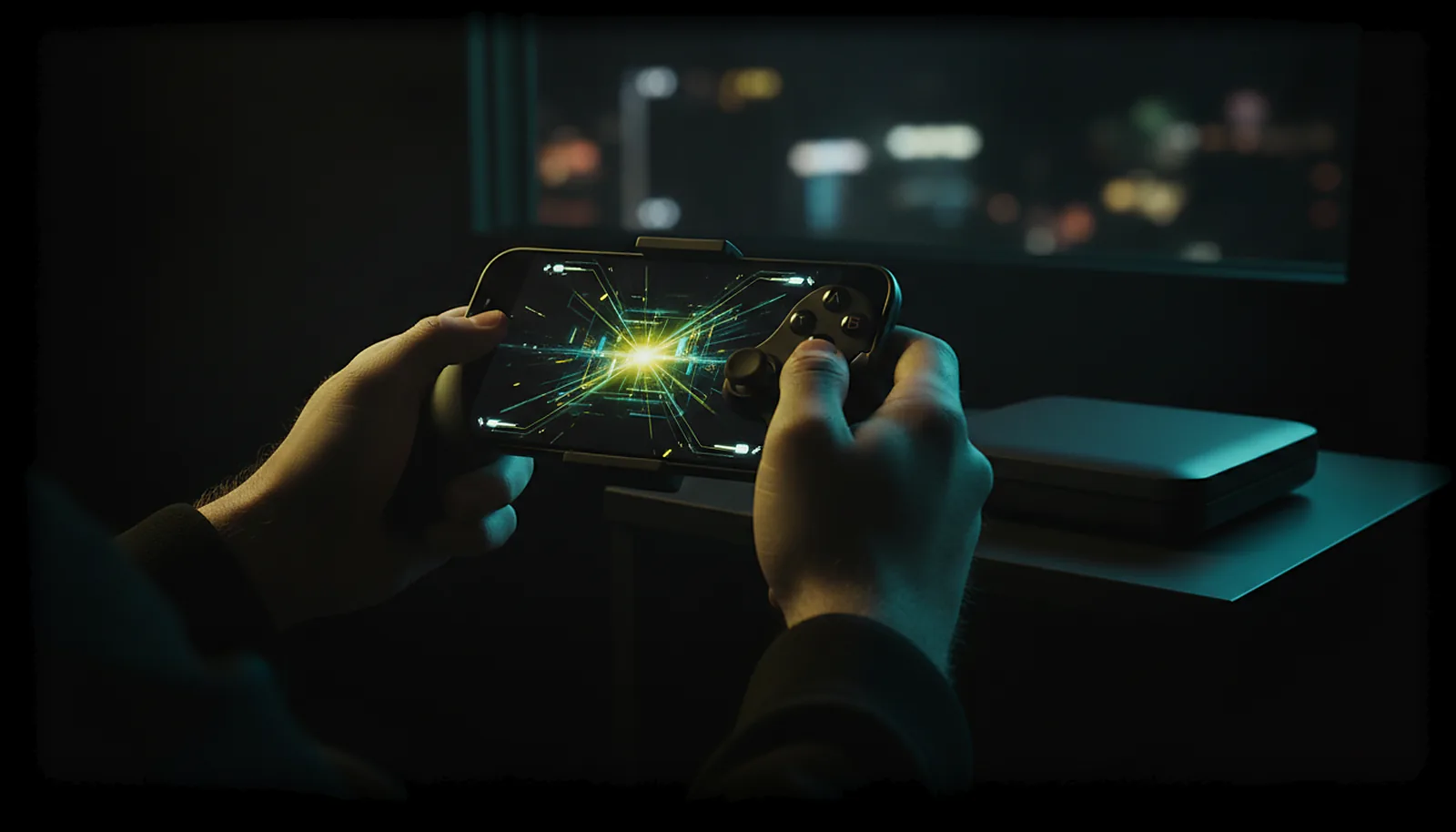
How do I play my PC games away from home without port forwarding?
You don’t open anything. Your PC keeps a small outbound connection to the ChimpDeck meeting point; away from home the app knocks there, both sides exchange addresses and open a direct path. Video, audio and controls then travel straight between phone and PC. No ports, no VPN, no account.
Updated 2026-09-14
The problem
You are in a hotel, at a friend’s place or on the train with a good 5G signal, and your PC at home is sitting idle with all your games on it. Every guide to playing away starts the same way: open a port on your router, set up dynamic DNS, or install a VPN on both ends.
Then it breaks anyway. Your ISP changes your public IP, the router forgets the rule after a firmware update, or the hotel network blocks the VPN. And you are not home to fix it.
What you want is to open the app and see your PC, the way a video call just works.
Why it happens
Home routers do not accept incoming connections by default, which is good for security and bad for remote play. Port forwarding, UPnP and VPNs are three ways of punching a hole in that door from the inside — all of them need configuring, and all of them depend on an address that can change. And on many lines you cannot even try: with carrier-grade NAT (CGNAT — common with Digi, and on plenty of O2, Vodafone and Movistar lines in Spain, and with most mobile operators everywhere) your router has no public address of its own, so there is no port to forward at all.
A meeting point turns the problem around: the PC calls out, which routers always allow, and the app calls out too. The service introduces the two and lets them measure how their networks assign addresses, then they open a direct path between them (UDP hole punching). Only a few kilobytes of control go through the service; the picture and your inputs never do.
How to solve it with ChimpDeck
- 01
Pair at home first
The first pairing happens on your home network, without typing a PIN: the PC shows a six-digit number, the phone shows the same one, you accept. Mark the phone as trusted if you want it to reach the PC from anywhere.
- 02
Leave the PC on and registered
ChimpDeck for Windows keeps a small outbound link to the meeting point; its panel says in words when the PC is registered there. If the PC is off, the app can wake it over the network only from home, so leave it on.
- 03
Open the app anywhere
Hotel Wi-Fi, 4G or 5G. The app tries the home address, then the public address, then the meeting point, in that order, in a few seconds. Paired PCs are offered as «SEE <PC>» on the welcome screen.
- 04
Let the direct path open
Both sides exchange their reachable addresses and connect directly. The app recognises the PC by its identity, not by where it answers; if a different machine answers, the app refuses.
- 05
Play at the phone’s exact resolution
The PC serves the phone the size it learned at pairing, on a virtual display, so no black bars on the hotel bed. With a clip-on pad the phone becomes a handheld for your PC library.
- 06
Let quality adapt to the network
On a weaker link the regulator lowers bitrate and raises repair live, without reconnecting, and puts them back when the network recovers. A cut pauses the session on the PC for up to 10 minutes; the app reconnects by itself.
What you get
Nothing to configure on the router
No port forwarding, no UPnP, no dynamic DNS, no VPN. The PC calls out, the app calls out, done.
No account to create
The meeting point works with device identities. It sees identities and addresses, never your picture or your inputs.
Video and inputs go direct
On the normal path everything travels straight between phone and PC; the service only introduces them.
Honest when a network blocks it
Both sides measure their network; if a direct path is impossible, the app says so plainly instead of failing silently.
Compared with Moonlight, Steam Link and Parsec
Moonlight with Sunshine or Apollo needs port forwarding, UPnP or a VPN before it can reach your PC from outside. Steam Link and Parsec avoid the router by relaying through their own servers, which means an account and their infrastructure in the middle. ChimpDeck’s meeting point introduces the two devices and then steps aside, with no account. The honest limits: some mobile carriers or corporate networks block direct paths between devices, and today the app tells you clearly when that happens — a capped video relay through the meeting point for those cases is coming soon. At home, the same app also serves the TV in another room or a tablet on the sofa.
See the full comparison table
 [ GET STARTED ]
Get ChimpDeck —free on Android and Windows.
Install both, pair once, play. Every feature is in the free tier.
ANDROID 8+ · WINDOWS 10/11 · NVIDIA GPU · FREE TO PLAY
Related questions
 Phone & tablet
How do I turn my phone into a Steam Deck for my PC games?
Read the answer Phone & tablet
How do I play PC games on my tablet with a controller?
Read the answer Picture & quality
Why does Moonlight show black bars on my phone, and how do I get the exact resolution?
Read the answer TV & living room
How do I play PC games on my TV from another room?
Read the answer
More questions about this
01Does my video go through ChimpDeck’s servers?
No. On the normal path video, audio and controls travel directly between the phone and the PC. The meeting point only introduces them and relays a few kilobytes of control.
02What if my mobile carrier blocks direct paths?
The app measures this with two echo checks from the same socket and tells you plainly instead of failing silently. A capped video relay through the meeting point is coming soon for that case.
03What if the meeting point is down?
At home it is never used. Away from home the app tries the PC’s public address before the meeting point, so with a port open or a VPN such as Tailscale it works exactly like Moonlight + Sunshine does today. Streaming, the real controller and the exact resolution never depend on our servers.
04What happens if ChimpDeck shuts down?
Playing never depends on our servers: at home the app talks to the PC directly, and away from home it can use the PC’s public address like Moonlight does. And if ChimpDeck were ever discontinued, its source code would be released as open source, so the app, the host and its drivers could be kept alive by the community.
05Does the PC have to be on?
Yes. If it is off, the app offers to wake it over the network from the PC card, which works on the home network.