
Answers
Straight answers to the problems people bring from Google: black bars on the phone, a wheel that turns into a fake Xbox pad, a stream that dies when the Wi-Fi blinks, playing from a hotel without touching the router. Each one explains the problem, why it happens and how ChimpDeck fixes it.
TV & living room
 TV & living room
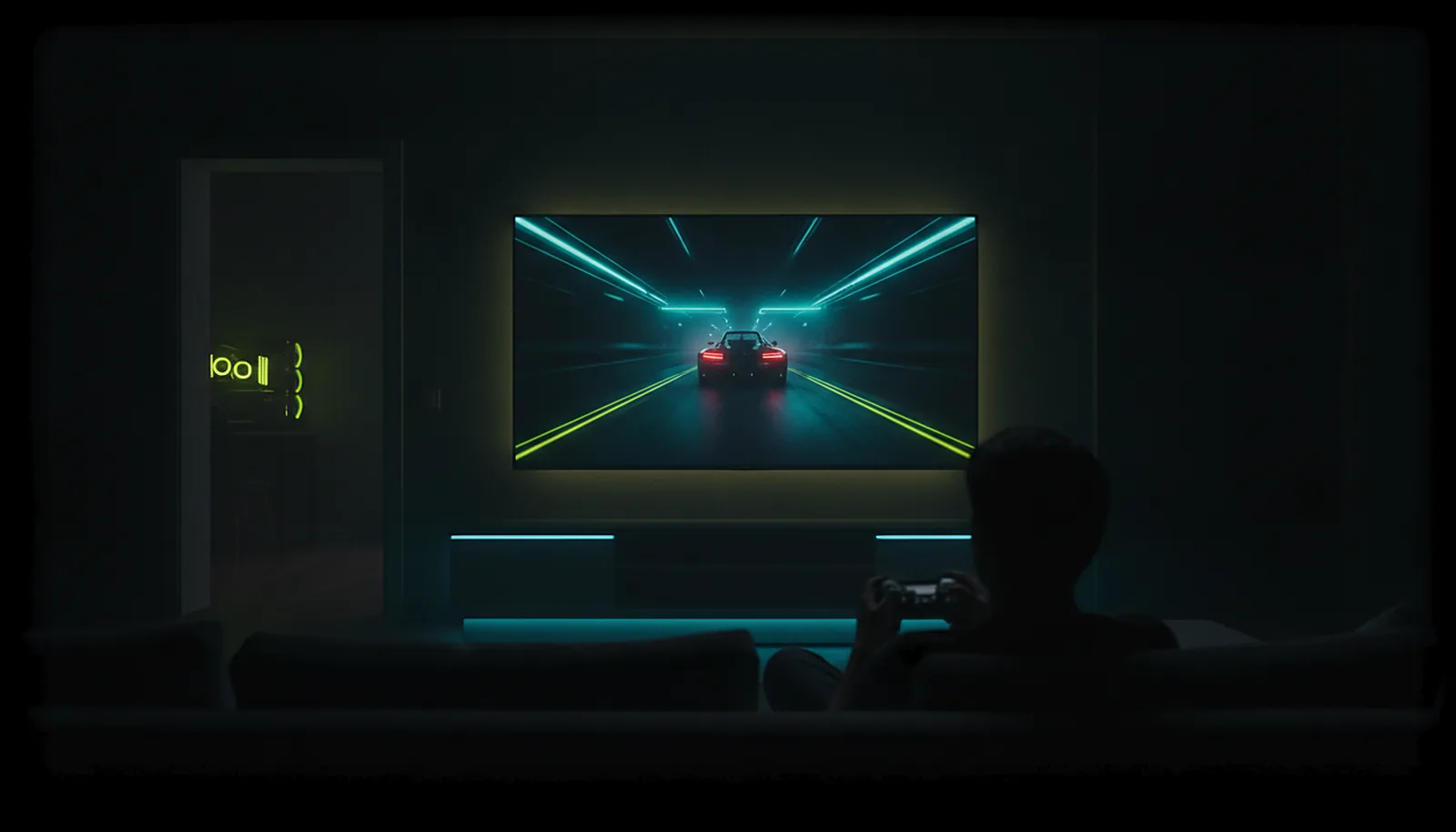
How do I play PC games on my TV from another room?
Yes: put ChimpDeck on the Android TV (or NVIDIA Shield) and ChimpDeck for Windows on the PC. They pair over your home network without a PIN, the PC streams picture and sound at the TV’s exact resolution, and your controller reaches the PC as a real USB device.
Read the answer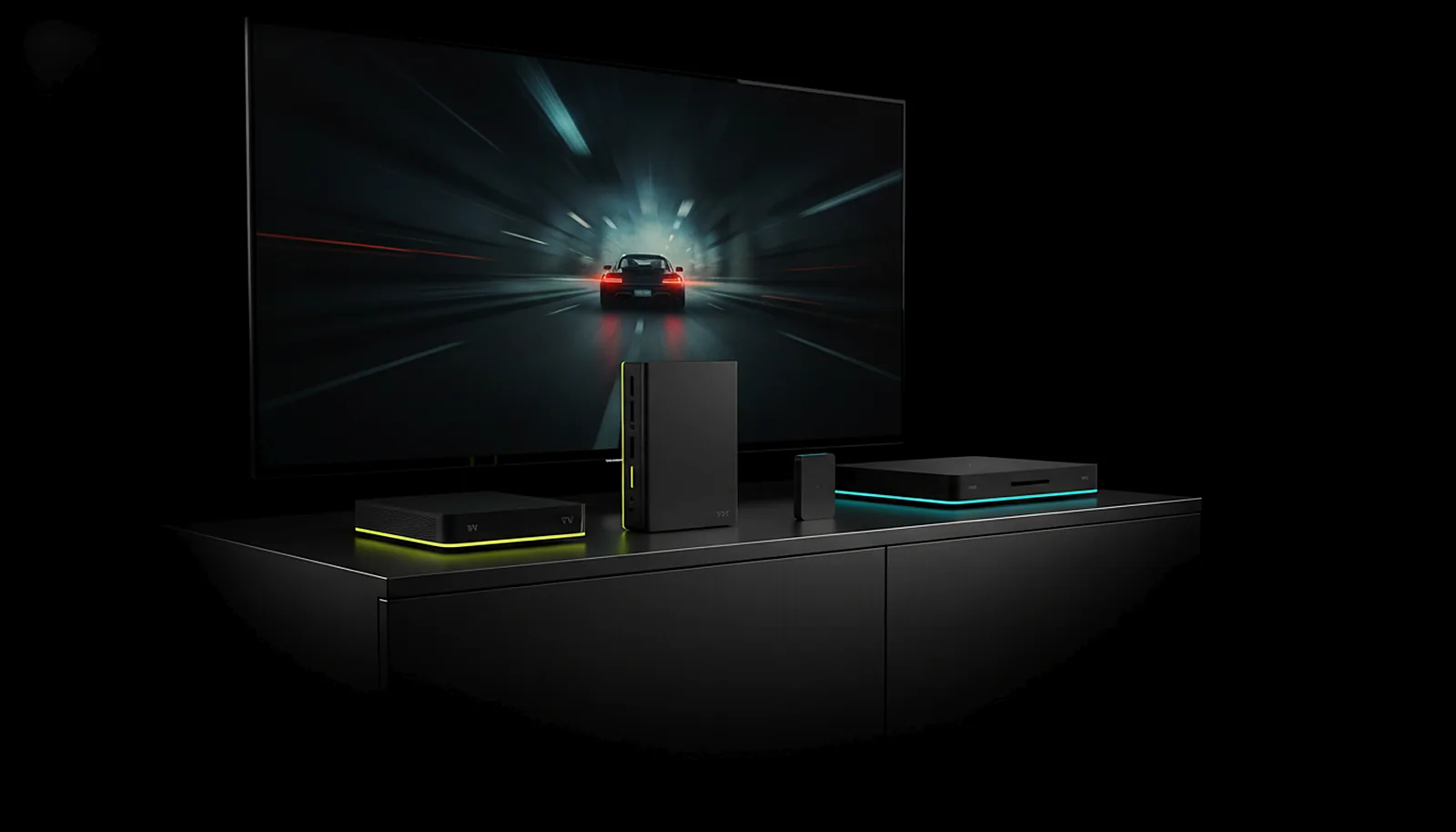 TV & living room
Can I play PC games on any Android TV box, not just the Shield?
Yes. Any Android TV box with Android 8.0 or later and a hardware H.264 or HEVC decoder streams your PC with ChimpDeck; add USB OTG to plug in a controller. The Shield is a well-known example, not a requirement. Ethernet is fine, and the whole app works from the remote.
Read the answer
Controllers
 Controllers
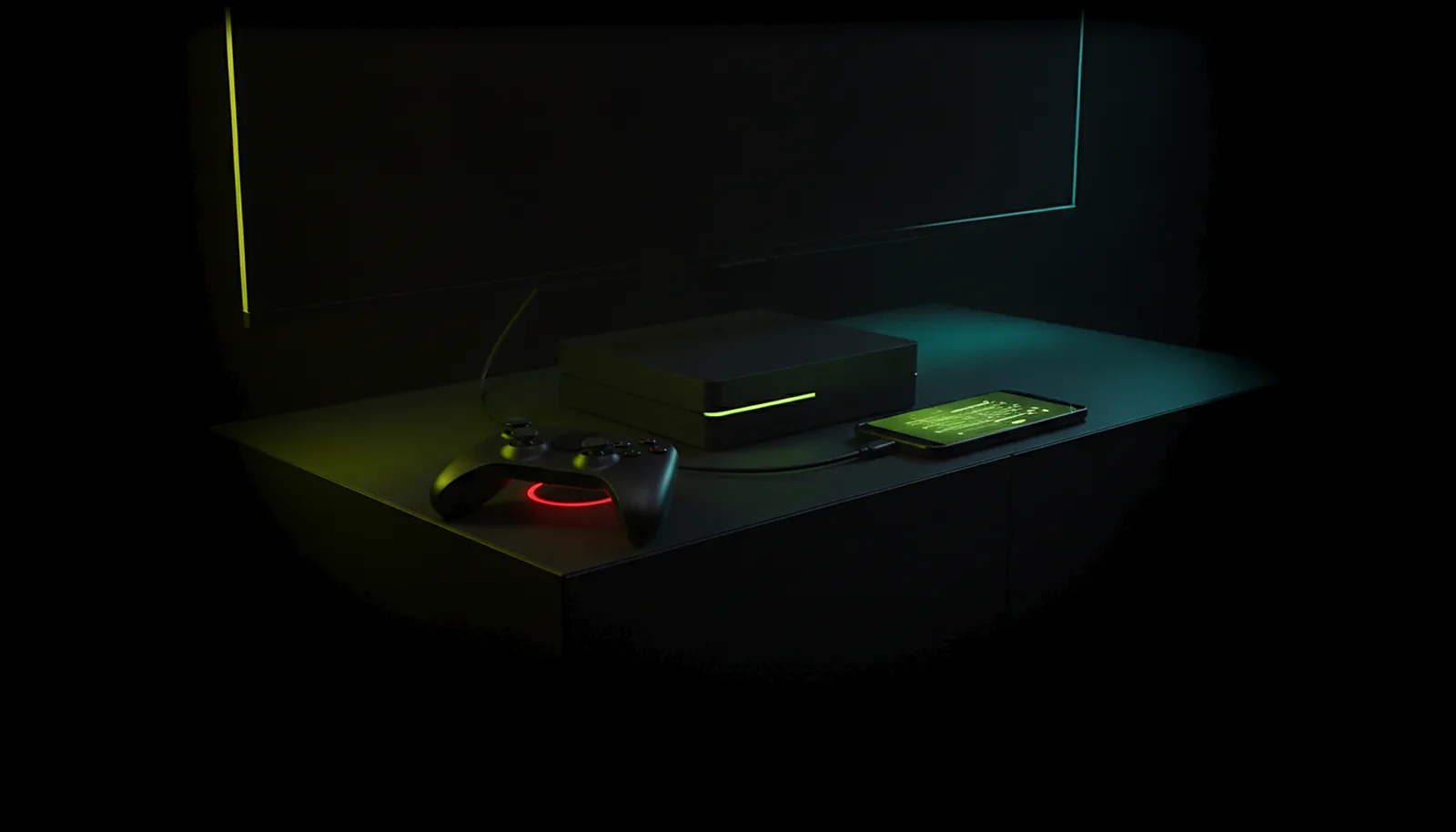
My controller doesn’t work on the NVIDIA Shield — what can I do?
Usually one of four things: a charge-only cable or unpowered hub, another app holding the port ChimpDeck uses on the Shield, a Bluetooth pad arriving as an emulated controller, or the «use the controller» switch off on the PC. ChimpDeck shows each plainly; its tester says what the pad sends.
Read the answer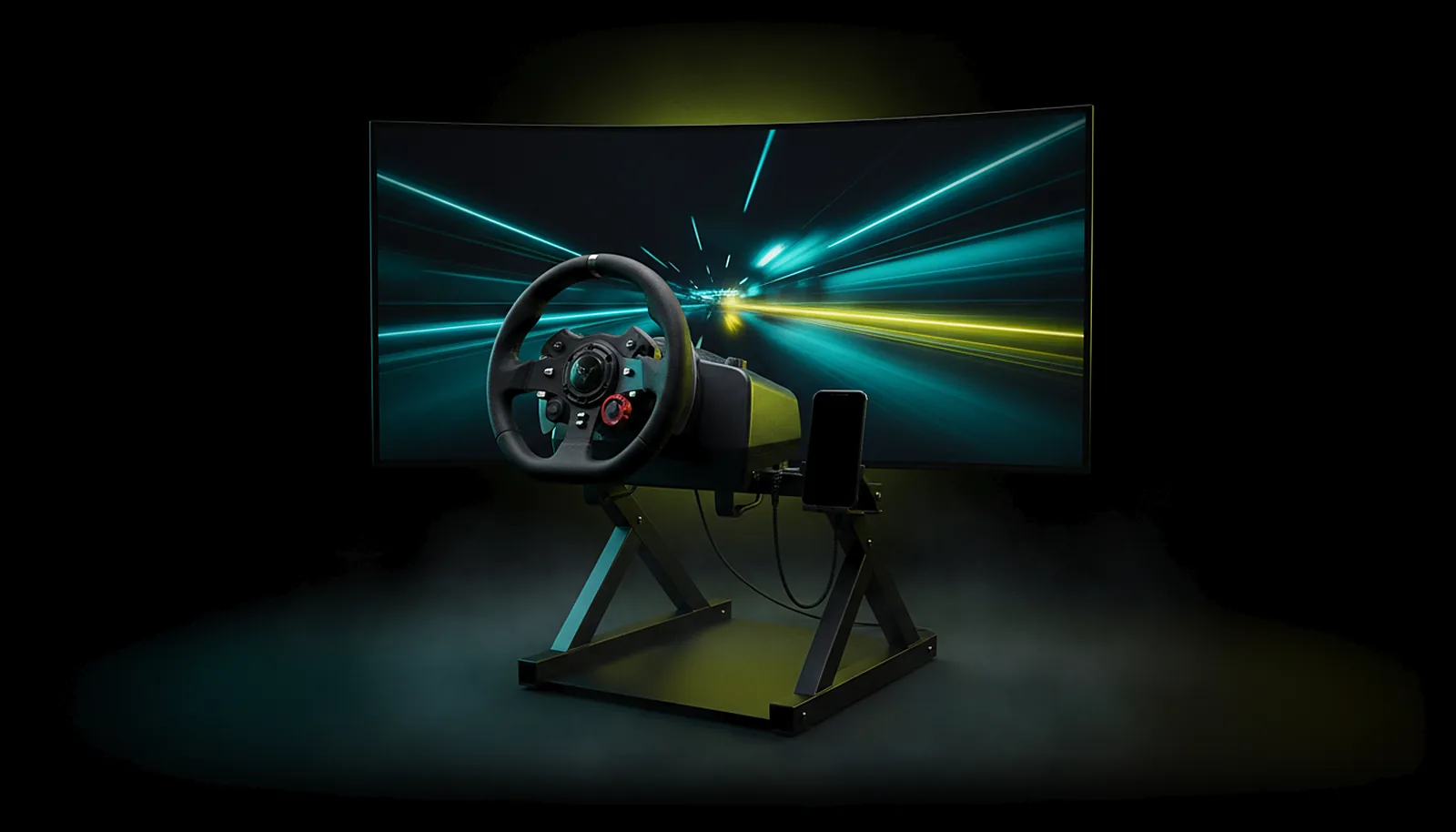 Controllers
Can I use my racing wheel with force feedback from the living room?
Yes. Plug the wheel into an Android TV box or phone running ChimpDeck and it appears on the PC as the real USB device: official driver, every axis and pedal, force feedback working, while the game streams to the TV. Moonlight, Steam Link and Parsec only emulate a pad.
Read the answer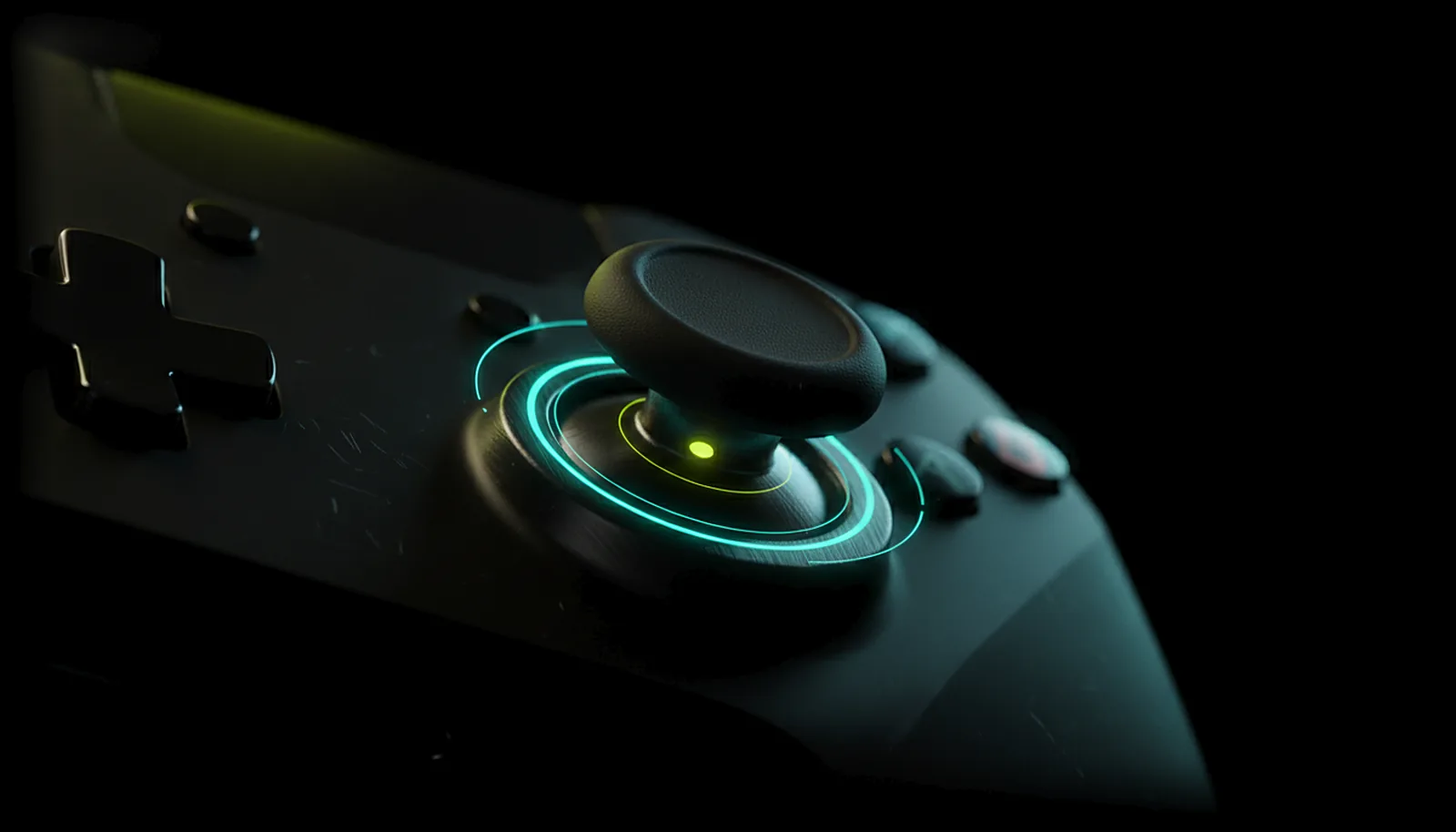 Controllers
How do I test if my controller has stick drift?
Plug the pad into your Android phone or TV box, open ChimpDeck’s gamepad tools and run the stick drift and dead-zone test: it shows where each stick rests, how far it wanders, and gives a verdict. No PC needed, free. The PC side adds circularity and raw axis values.
Read the answer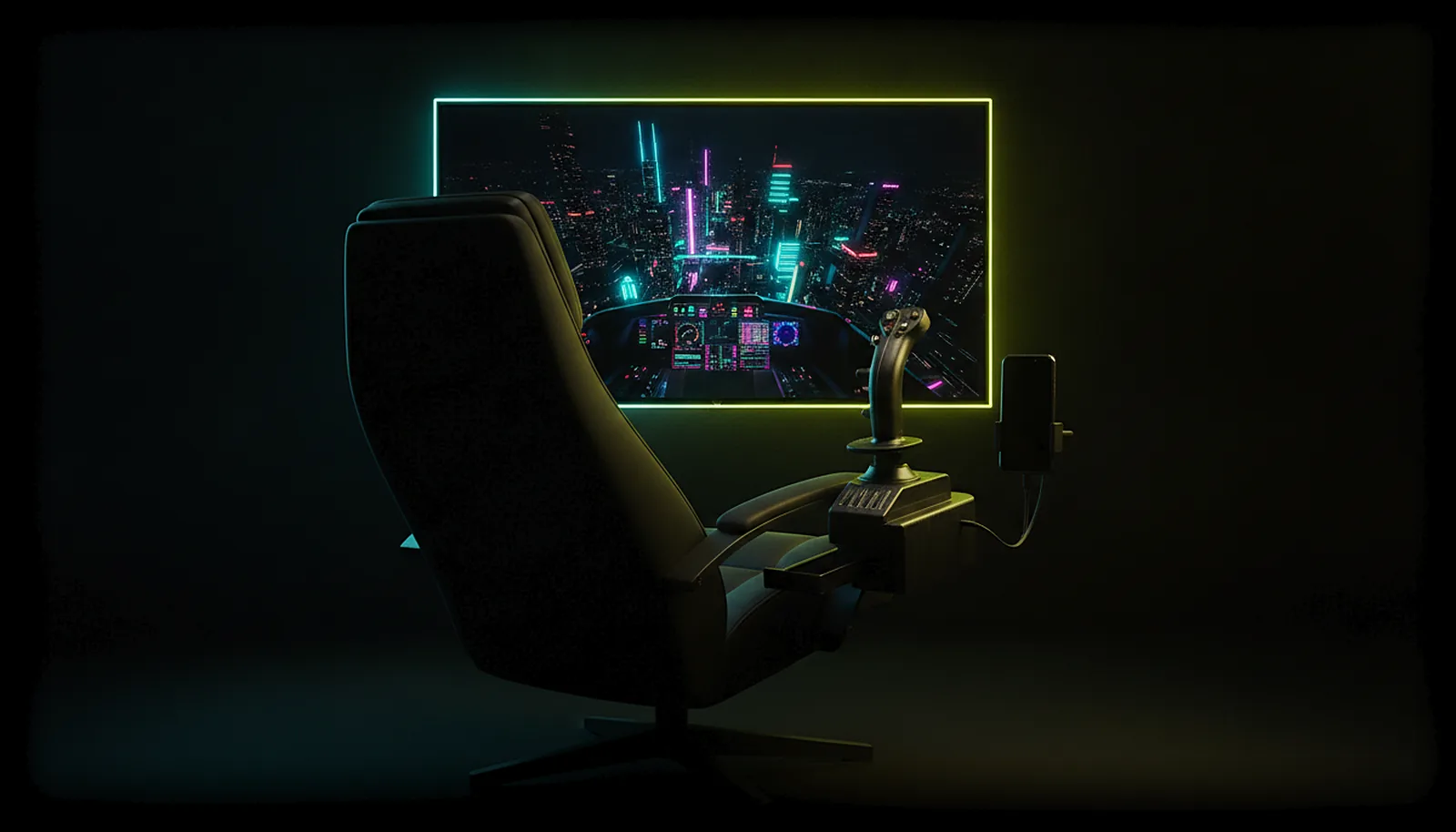 Controllers
Can I use my HOTAS or flight stick on Android TV?
Yes. Plug the stick and throttle into an Android TV box running ChimpDeck and they reach the PC as the real USB devices — every axis, hat and button, with the manufacturer’s driver — while the sim streams to the TV. Apps that emulate a gamepad cannot do this.
Read the answer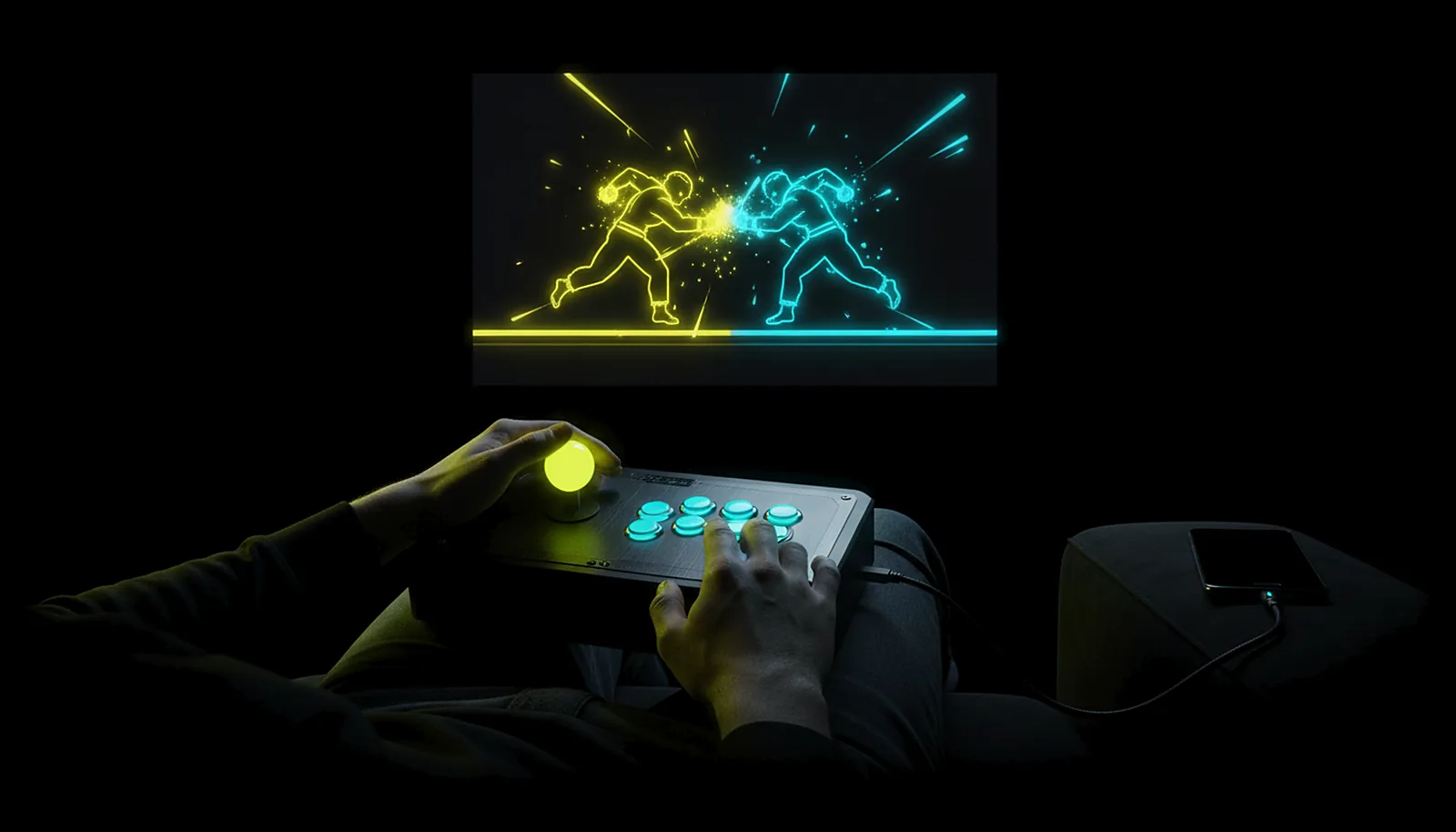 Controllers
How do I use my arcade stick with my PC from the sofa?
Plug the stick into an Android TV box or phone running ChimpDeck and it reaches the PC as the real USB device: the game sees your stick, identity and button map intact, not an emulated Xbox pad. The fight streams to the TV; the stick works as at the desk.
Read the answer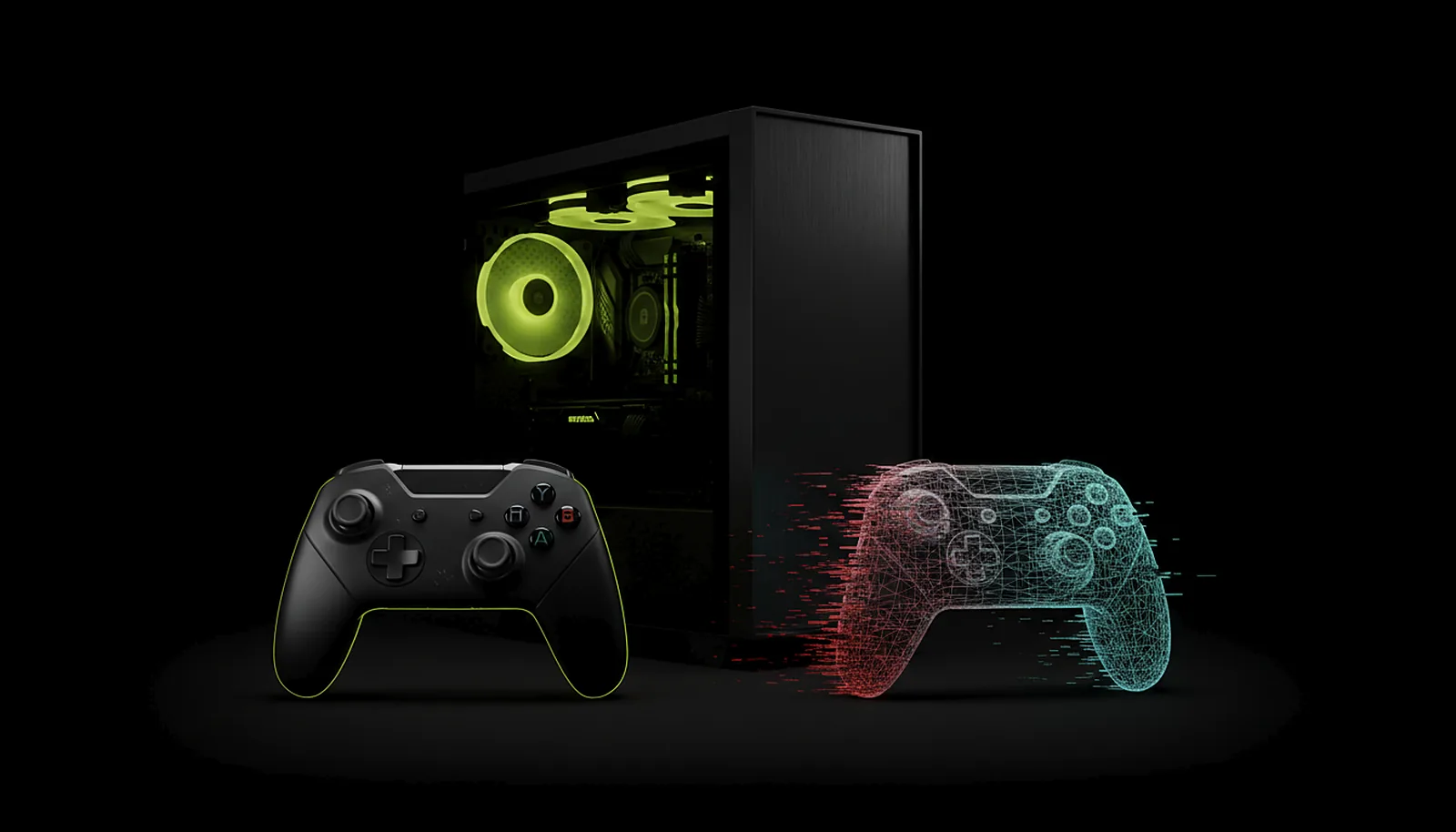 Controllers
Why doesn’t my game recognise my controller over remote play?
Because most remote-play apps send the PC a generic emulated pad, not your controller, so a game that expects a specific device, wheel, stick or pro pad never sees it. ChimpDeck forwards the actual USB device, identity and driver included, so the game binds it as at the desk.
Read the answer Controllers
Why doesn’t rumble work when I stream my PC, and how do I get it back?
Because on most streaming setups the game shakes a virtual pad on the PC and the shake never reaches your hands, or reaches a generic pad with one crude motor. Plug the controller in over USB: ChimpDeck forwards the real device, so all four motors and force feedback come back.
Read the answer
Away from home
 Away from home
How do I play my PC games away from home without port forwarding?
You don’t open anything. Your PC keeps a small outbound connection to the ChimpDeck meeting point; away from home the app knocks there, both sides exchange addresses and open a direct path. Video, audio and controls then travel straight between phone and PC. No ports, no VPN, no account.
Read the answer Away from home
Can I play my PC games over 4G or 5G on my phone?
Yes. On 4G or 5G the ChimpDeck app finds your PC through the meeting point and opens a direct path: no port forwarding, no VPN, no account. Picture quality adapts live to the link, and the app measures latency and shows it with its margin of error, never a promise.
Read the answer
Picture & quality
 Picture & quality
Why does Moonlight show black bars on my phone, and how do I get the exact resolution?
Because the PC renders its monitor’s shape (16:9) and your phone is 20:9, so the picture is letterboxed or stretched. ChimpDeck for Windows learns your device’s exact resolution at pairing and serves it on a virtual display of that size — no bars, no stretching, removed when you stop.
Read the answer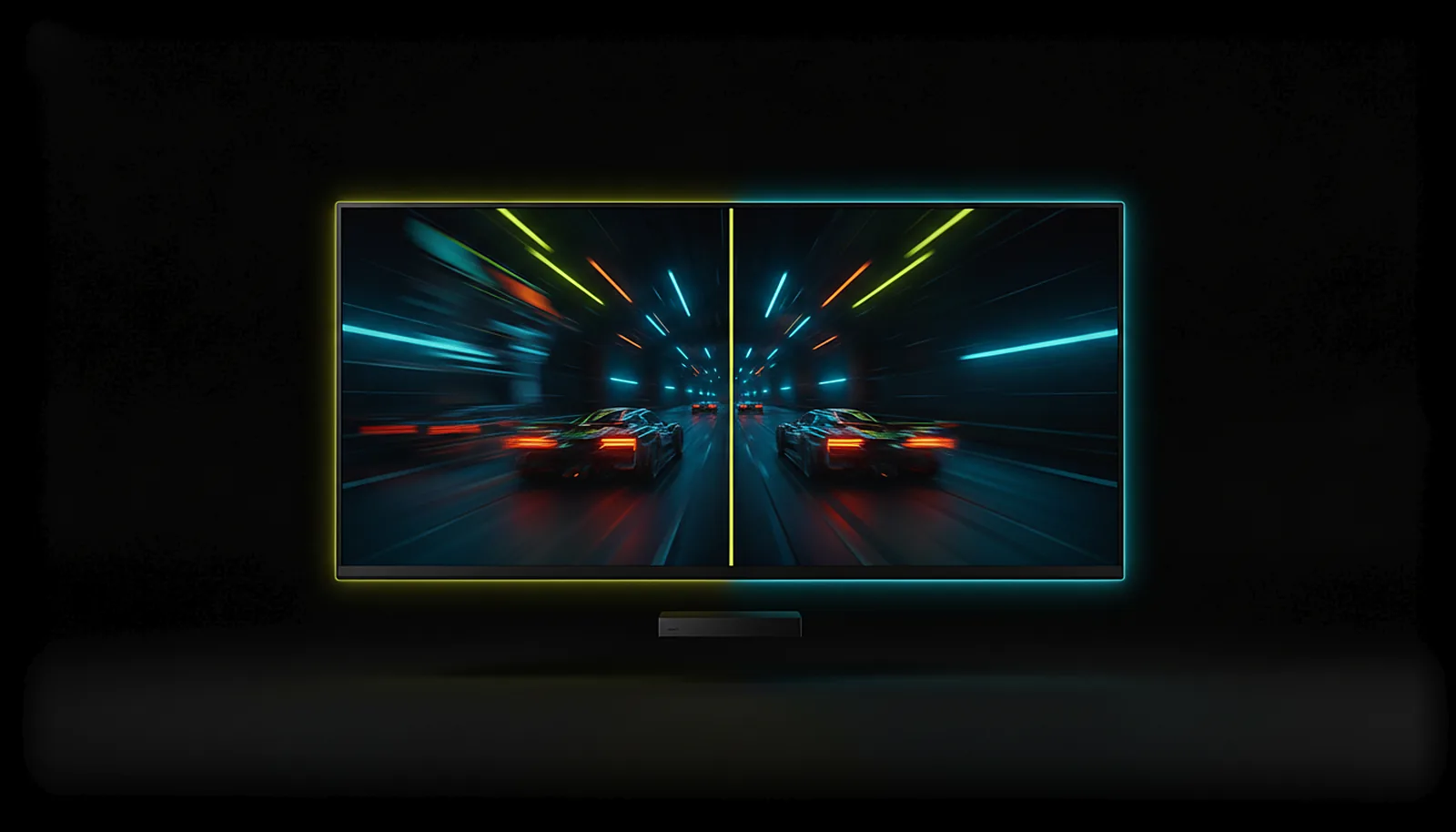 Picture & quality
Steam Link stutters and lags on my Android TV — how do I fix it?
Stutter on a TV box usually has three causes: Wi-Fi dropping packets, a display refresh that does not multiply the stream’s frame rate, or a bitrate set blind. Wire the box if you can, then use a client that paces frames to the display and reads the PC’s telemetry: ChimpDeck.
Read the answer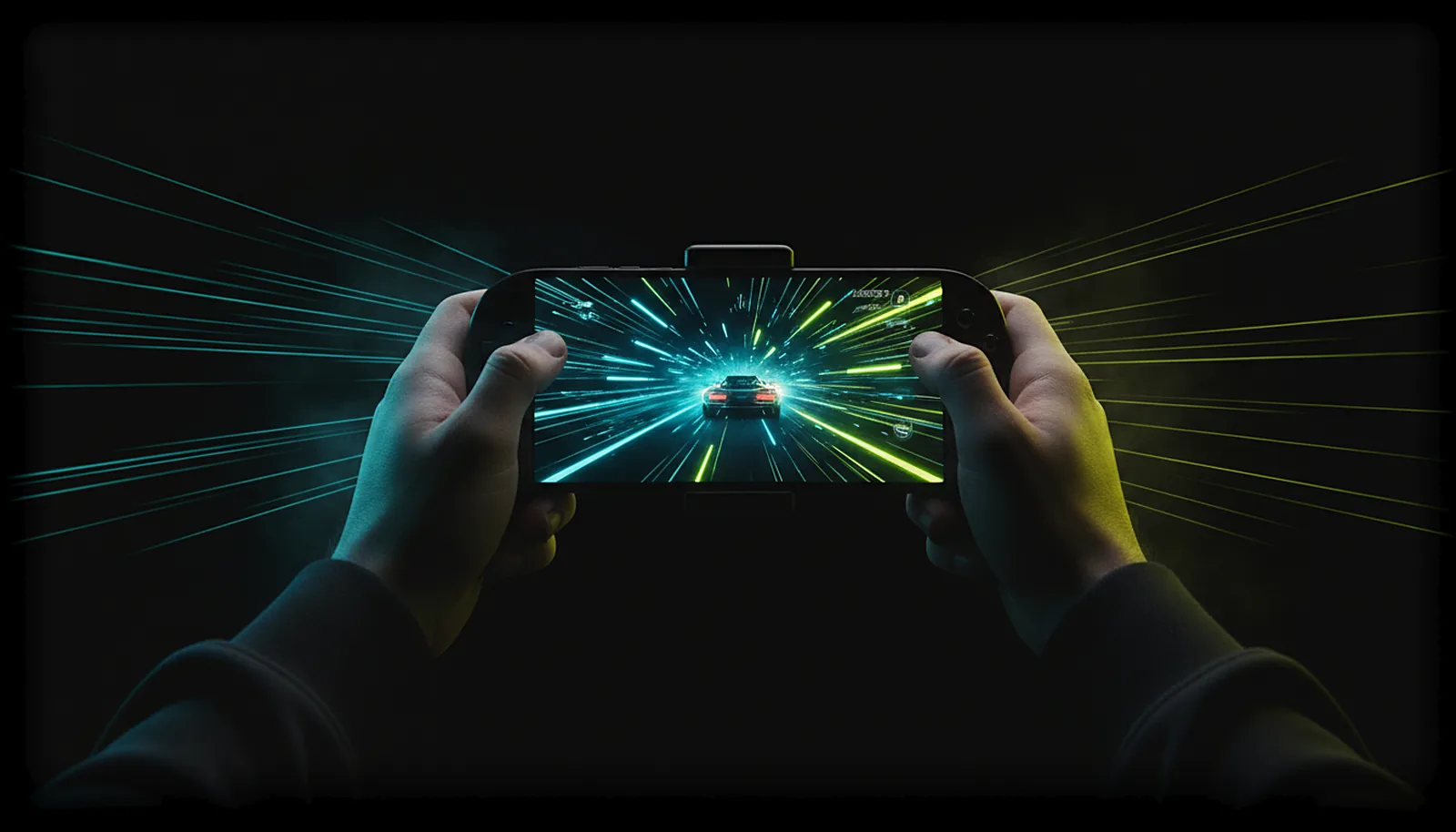 Picture & quality
How do I stream my PC games at 120 fps to my phone or TV?
Pick 120 in ChimpDeck’s frame-rate row. The app offers 30, 60, 90 or 120 fps, only the rates your device’s decoder and your PC can really deliver, and switches the display to a matching refresh rate. You need a 120 Hz screen, an NVIDIA GPU and a good link.
Read the answer Picture & quality
Why is my game stream pixelated or corrupted over Wi-Fi?
Because Wi-Fi drops packets in bursts, and a frame missing a piece decodes into blocks that stay until the next key frame. ChimpDeck repairs lost packets with adaptive FEC, checks every frame against the host’s checksum, and skips one that still fails: a short hitch, never a smear.
Read the answer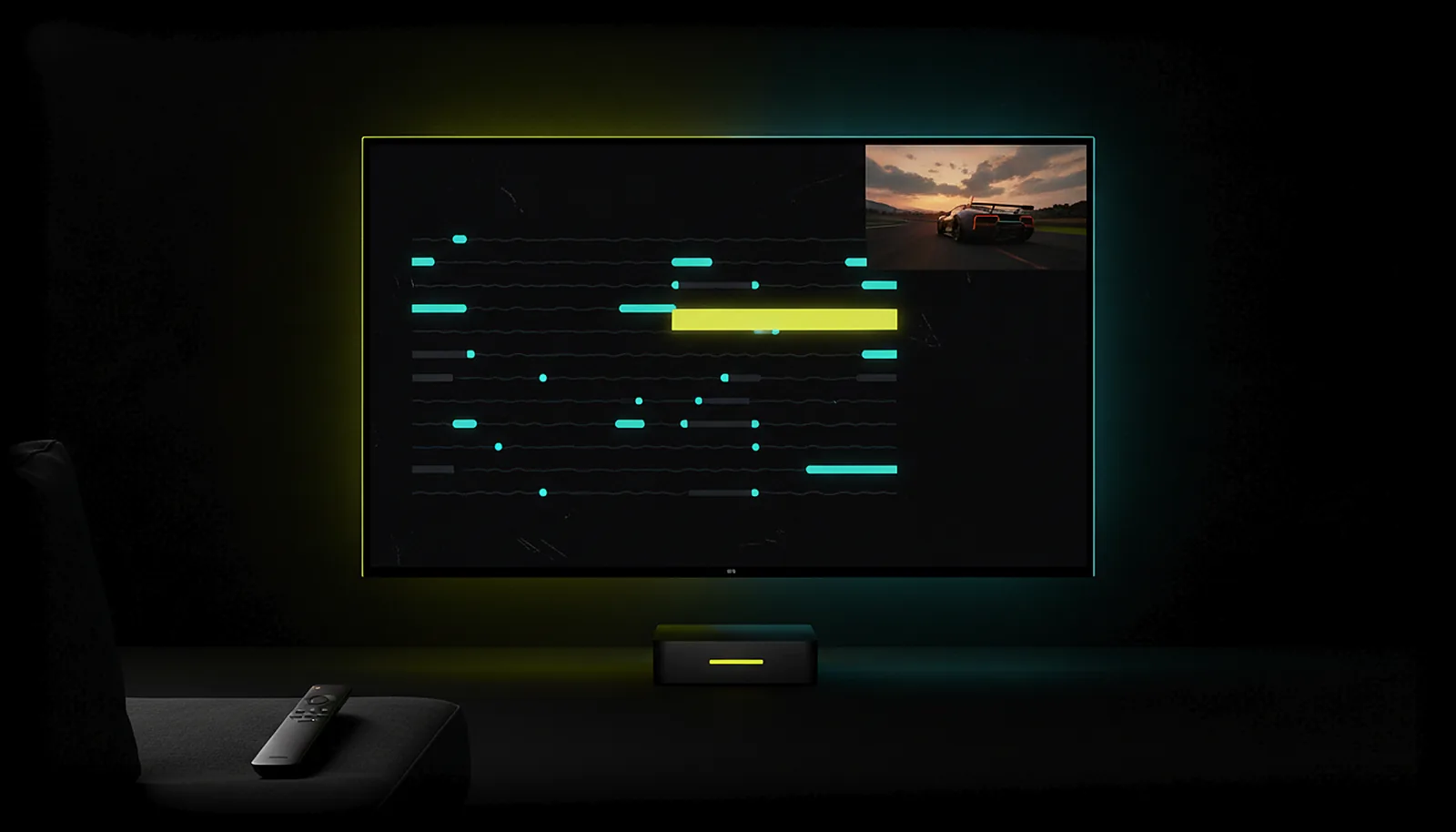 Picture & quality
What are the best streaming settings for PC games on Android TV?
Wire the TV box, pick the TV’s own resolution, 60 fps (120 only if the TV and decoder do it), the suggested bitrate, balanced pacing, and let the app choose HEVC or H.264. Then leave the regulator on and read the stats: it changes bitrate and repair live.
Read the answer Picture & quality
Why does remote play keep disconnecting on my Wi-Fi?
Because Wi-Fi blinks (a roaming hop, a microwave, a neighbour’s network) and most clients treat a few seconds of silence as the end of the session. ChimpDeck does not: the host pauses after 10 seconds without signal, keeps the session up to 10 minutes, and the app reconnects by itself.
Read the answer
Phone & tablet
 Phone & tablet
How do I turn my phone into a Steam Deck for my PC games?
Clip a controller onto your phone, install ChimpDeck on it and ChimpDeck for Windows on your PC. The phone shows your PC at its native resolution, no black bars, the pad reaches the PC as real USB hardware, and away from home the app finds the PC without router setup.
Read the answer Phone & tablet
How do I play PC games on my tablet with a controller?
Install ChimpDeck on the Android tablet and ChimpDeck for Windows on the PC, pair once without a PIN, plug the controller into the tablet, and play. The PC renders at the tablet’s exact resolution, the pad reaches it as the real USB device, and touch, pen and keyboard work too.
Read the answer
Alternatives
 Alternatives
Is there an easier alternative to Sunshine and Moonlight?
Yes, on Android and Windows: ChimpDeck. One installer on the PC and nothing to configure after it, the phone’s exact resolution on its own, your real USB controller on the PC, and playing away from home with nothing opened on the router. Moonlight still wins on AMD/Intel GPUs, HDR, iOS clients and open source.
Read the answer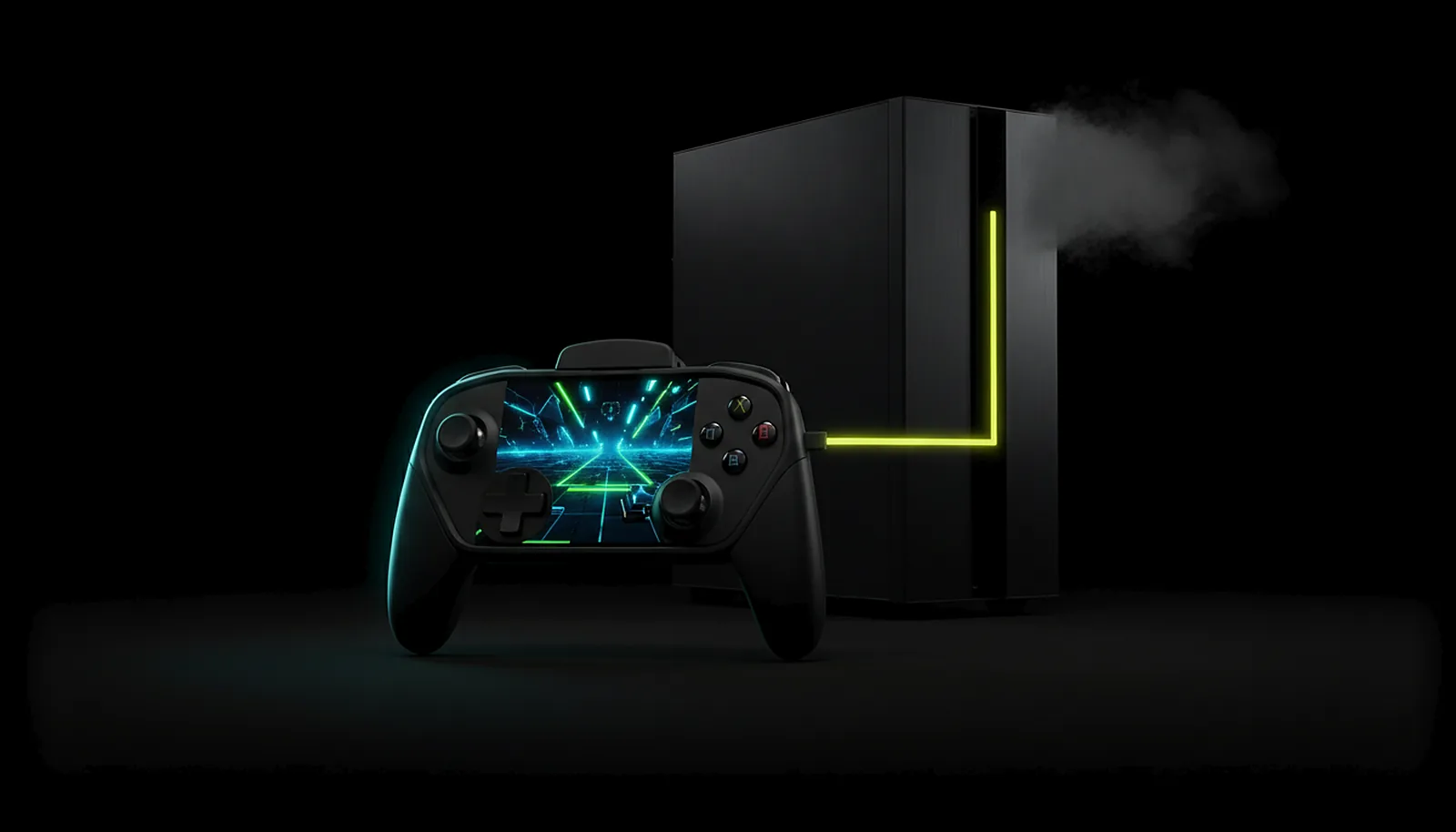 Alternatives
What’s the best Parsec alternative for gaming on Android?
For playing your own PC on Android, ChimpDeck: a real USB controller instead of an emulated pad, the device’s exact resolution, gaming-specific frame pacing and repair, and a direct path with no account or cloud relay. Parsec still wins on guest sessions, multi-monitor and non-Android clients (coming soon).
Read the answer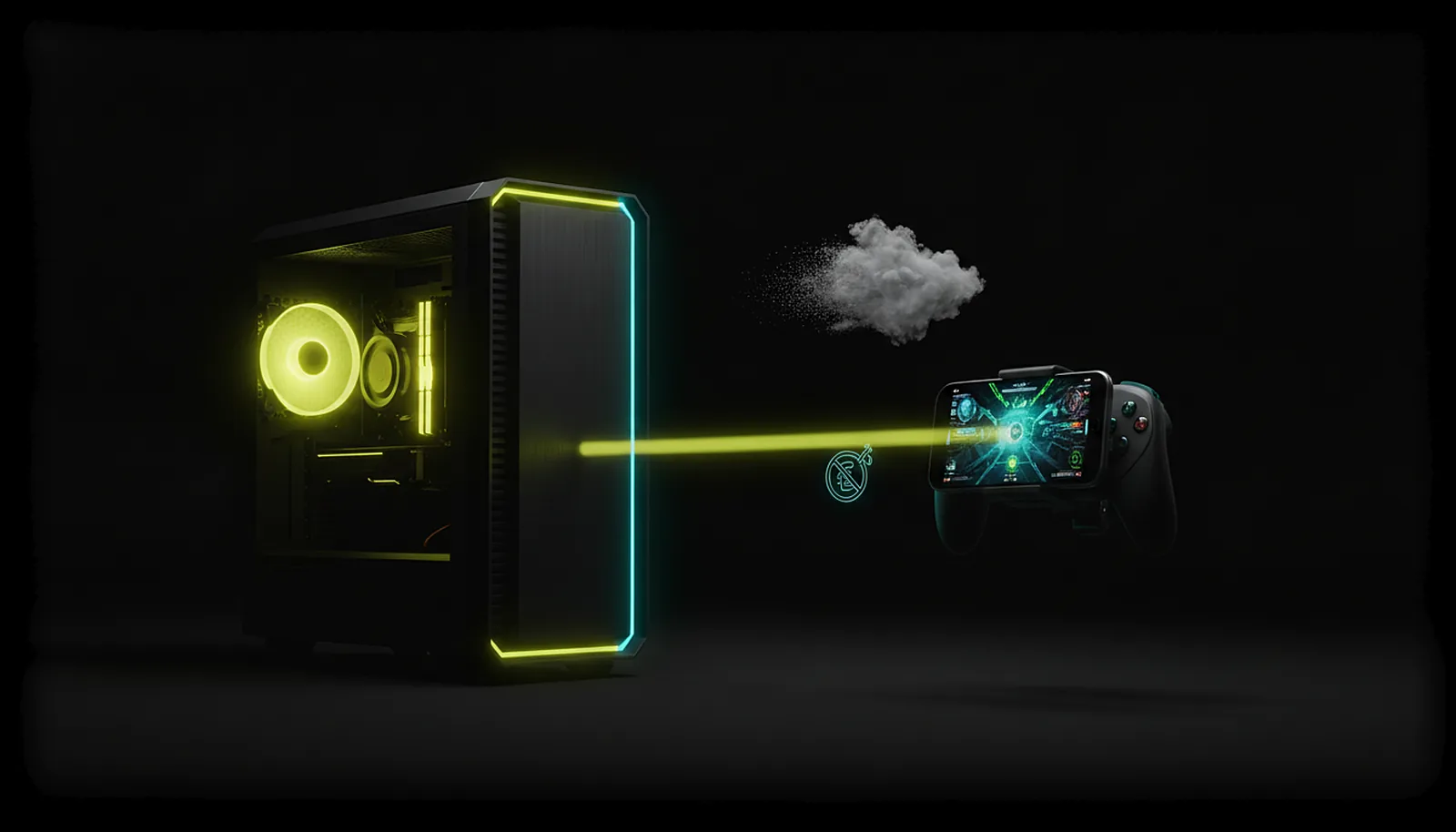 Alternatives
Can I play my own PC instead of paying for cloud gaming?
Yes. With ChimpDeck your own PC becomes the cloud: it streams your whole library, mods and saves to a phone, tablet or Android TV at the device’s exact resolution, at home over your network and away through a direct path. Free with the Play Cooldown (2 hours of real play, then a 4-hour cooldown); the Pass switches it off.
Read the answer
Setup & privacy
 Setup & privacy
How do I use my phone’s microphone for voice chat on the PC?
With ChimpDeck for Windows, the phone’s microphone appears on the PC as a normal Windows input device through the same link as the stream: Opus at 48 kHz, nothing to configure. Pick it in your voice chat like any microphone. Moonlight + Sunshine do not carry it; Apollo needs Artemis.
Read the answer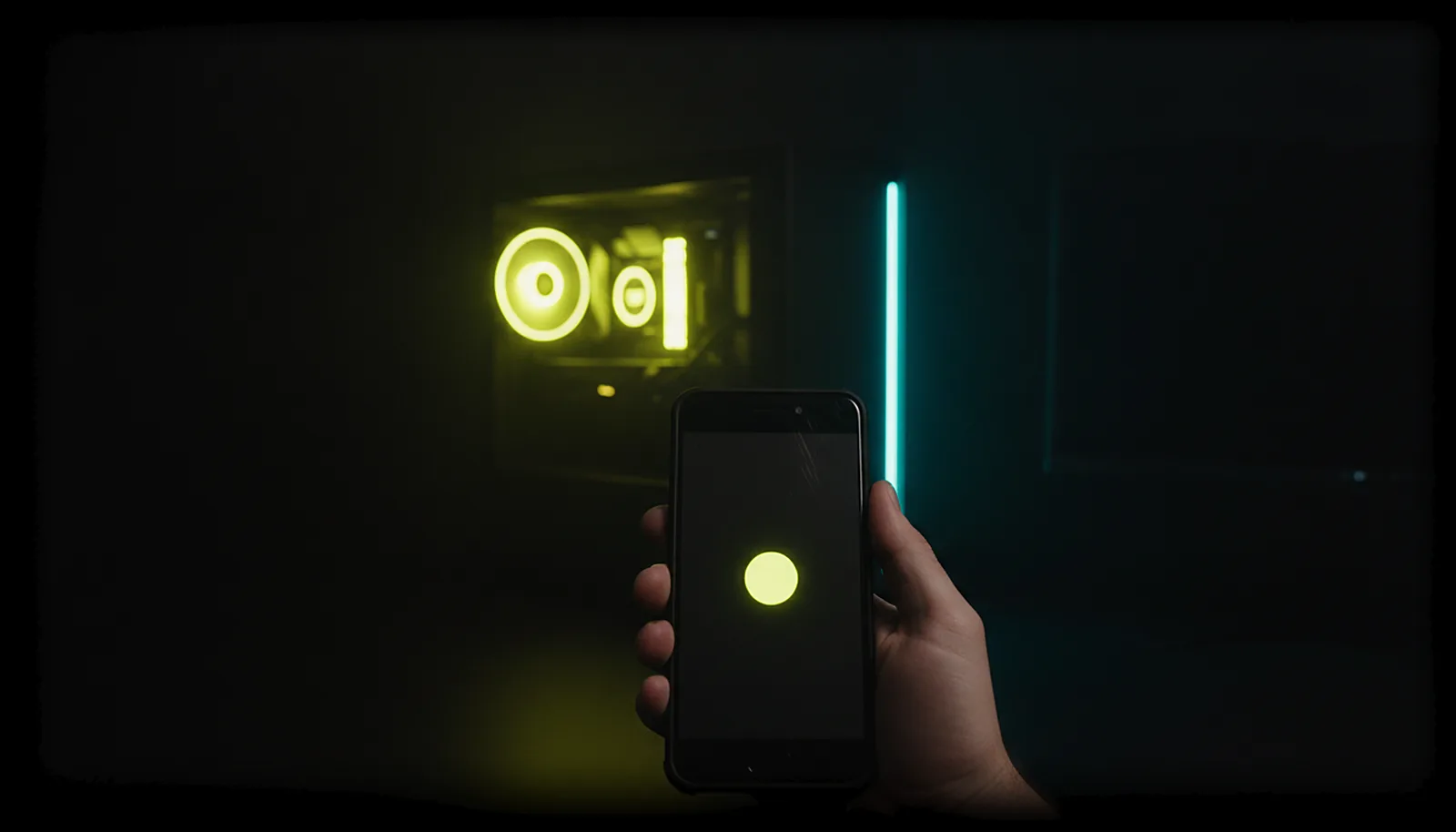 Setup & privacy
How do I turn on my PC remotely to play from another room?
On your home network, one press. If the PC is off and ChimpDeck knows its network address, the PC card in the app offers to wake it over the network (Wake-on-LAN); a few seconds later it answers and you connect. Works from phone, tablet or TV box, not from 4G.
Read the answer Setup & privacy
How do I pair my phone with my gaming PC without typing a PIN?
With ChimpDeck for Windows, pairing is like a phone call: at home the PC shows who is calling, from where, and a six-digit number both sides computed; if the phone shows the same number, accept, nothing to type. A trusted phone can accept for others; a reinstalled app re-pairs silently.
Read the answer Setup & privacy
Is streaming my PC to my phone private and safe?
Yes. The link between your Android device and your PC is protected end to end, on by default, nothing to configure. Video, audio and inputs travel directly between the two, never through ChimpDeck’s servers. Only paired devices get in, input permissions are enforced on the PC, no account needed.
Read the answer
 [ GET STARTED ]
Get ChimpDeck —free on Android and Windows.
Install both, pair once, play. Every feature is in the free tier.
ANDROID 8+ · WINDOWS 10/11 · NVIDIA GPU · FREE TO PLAY