
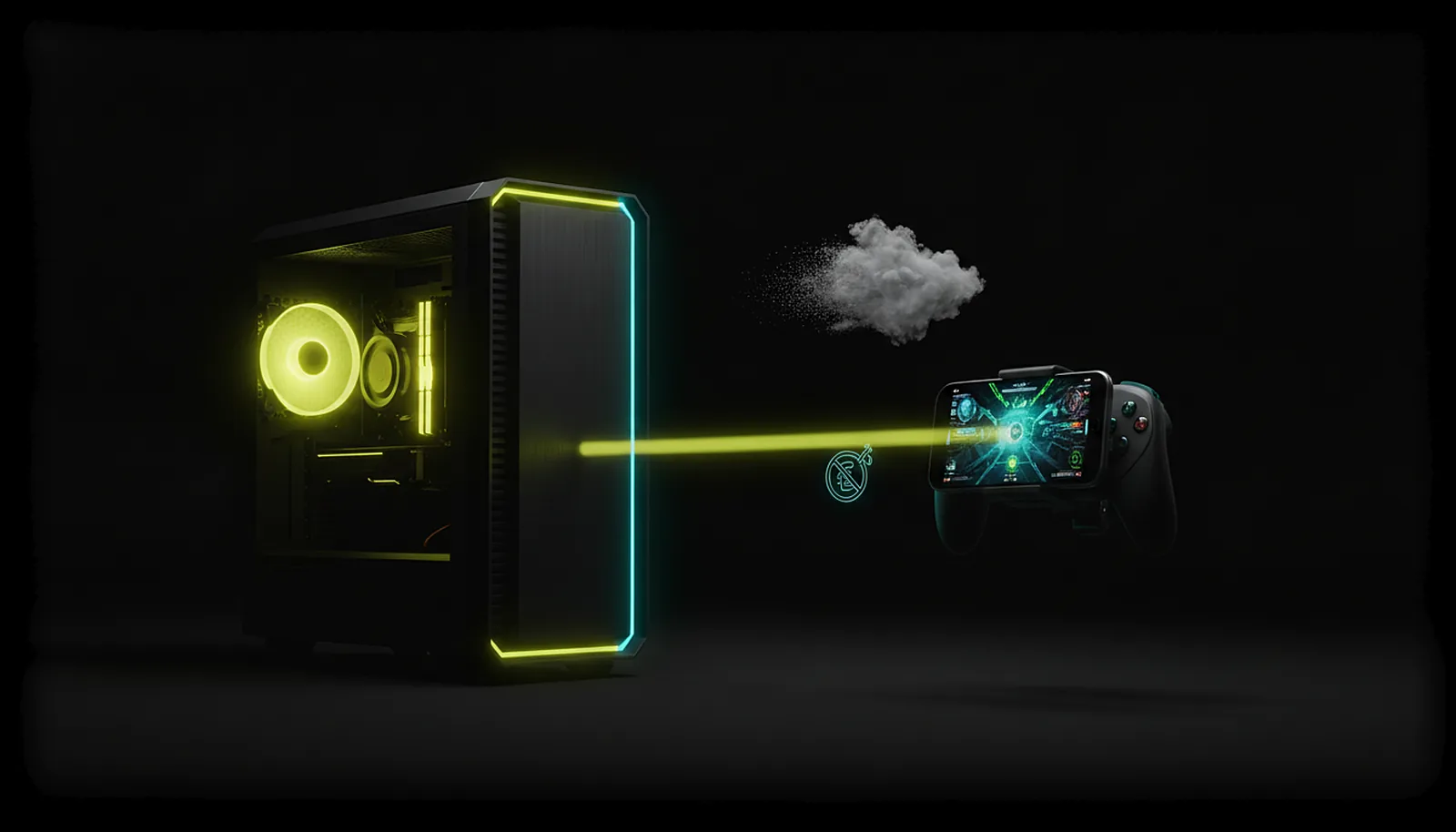
Can I play my own PC instead of paying for cloud gaming?
Yes. With ChimpDeck your own PC becomes the cloud: it streams your whole library, mods and saves to a phone, tablet or Android TV at the device’s exact resolution, at home over your network and away through a direct path. Free with the Play Cooldown (2 hours of real play, then a 4-hour cooldown); the Pass switches it off.
Updated 2026-09-14
The problem
You already own a gaming PC and hundreds of games, and a cloud service asks for a monthly fee to play a catalogue that may or may not include them, at a quality tier that depends on the plan, through a queue when it is busy.
What you actually want is to play your PC from the sofa, the bed or a hotel — not somebody else’s PC in a data centre.
The do-it-yourself route works but asks for router rules, PINs and a virtual display set up by hand, which is why the subscription looked tempting in the first place.
Why it happens
Cloud gaming rents you a remote PC and streams it; the technology is the same as streaming your own, minus the rent. What made self-hosting hard was everything around the stream: reaching the PC from outside, matching the phone’s screen, getting the controller recognised, surviving a Wi-Fi blip.
ChimpDeck removes those steps. Pairing is a matching number, the PC learns the device’s exact size, the controller is forwarded as the real USB device, the meeting point opens a direct path away from home, and a drop pauses the session instead of ending it. Your PC does the rendering; nothing of yours passes through anyone’s servers.
How to solve it with ChimpDeck
- 01
Install both halves
ChimpDeck on the phone, tablet or TV box (Android 8.0+, hardware H.264/HEVC decoder); ChimpDeck for Windows on the PC (Windows 10/11, NVIDIA graphics card today — AMD and Intel encoding coming soon). No account anywhere.
- 02
Pair once, at home
A six-digit number on both screens, accept, done. Add games or launchers with box art on the PC and they appear in the device’s list; the Desktop is always there — any store, any mod, any save.
- 03
Play at the device’s exact resolution
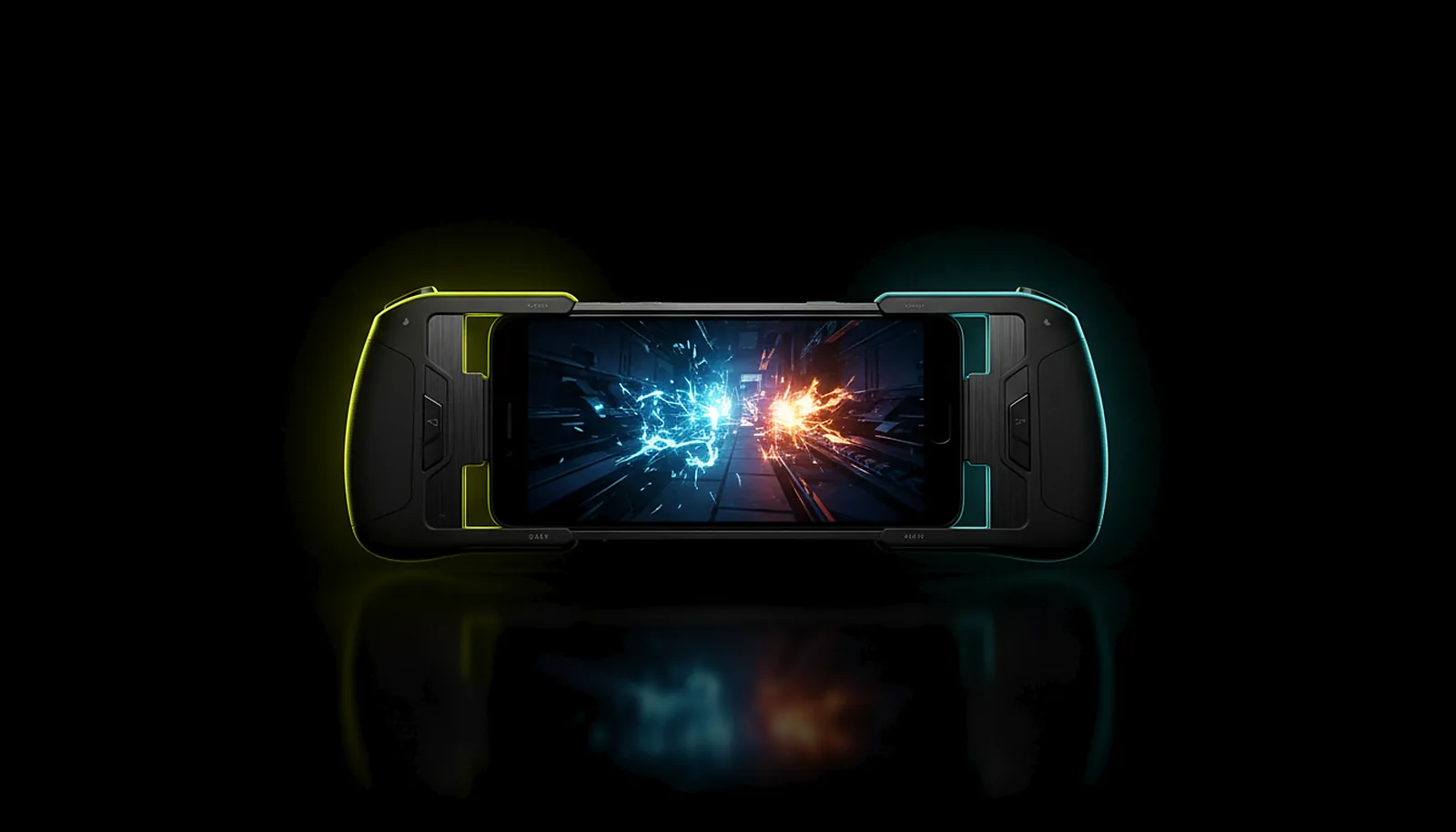
The host learns the screen’s size at pairing and serves it on a virtual display, then removes it after. With a clip-on pad the phone is a handheld for your library.
- 04
Take it out of the house
On 4G, 5G or hotel Wi-Fi the app finds the PC through the meeting point and opens a direct path — no port forwarding, no VPN, no account. Quality adapts live; a drop pauses the session for up to 10 minutes.
- 05
Keep it private
Video, audio and inputs travel directly between your device and your PC; the meeting point sees identities and addresses only — what is protected and where it goes.
- 06
Decide about the Pass later
Every feature is in the free tier, with the Play Cooldown: 2 hours of real play, then a 4-hour cooldown, and the clock only runs while you use the controller. The Non Stop Pass (€4.99 + VAT for 30 days, or €39.99 + VAT for life) switches it off; the 30-day one exists so you never have to bet on the lifetime one first.
What you get
Your whole library
Every store, every mod, every save, at your PC’s settings — no catalogue.
No queue, no tier
Your GPU renders for you alone; quality is what your PC and your link can do.
Your PC, your privacy
Nothing of yours passes through ChimpDeck’s servers on the normal path.
A price that is a choice
Free with the Play Cooldown; €4.99 + VAT for 30 days or €39.99 + VAT once to switch it off. Nothing else is held back.
Compared with Moonlight, Steam Link and Parsec
GeForce Now and similar services are the right answer when you do not own a capable PC, or want to play on hardware you do not have; they charge for the rented machine and limit you to their catalogue and tiers. Moonlight + Sunshine is the free way to stream your own PC — see how ChimpDeck compares — and Parsec covers desktops and guest sessions (that comparison is here). ChimpDeck is for people who own the PC and want it on every Android screen with the real controller, the exact resolution and no router work. Plainly: the free tier has the Play Cooldown (2 hours of real play, then 4 hours of cooldown) and the Pass switches it off; ChimpDeck’s host needs an NVIDIA card today; and other platforms beyond Android and Windows are coming soon.
See the full comparison table
 [ GET STARTED ]
Get ChimpDeck —free on Android and Windows.
Install both, pair once, play. Every feature is in the free tier.
ANDROID 8+ · WINDOWS 10/11 · NVIDIA GPU · FREE TO PLAY
Related questions
 Phone & tablet
How do I turn my phone into a Steam Deck for my PC games?
Read the answer Away from home
How do I play my PC games away from home without port forwarding?
Read the answer Setup & privacy
Is streaming my PC to my phone private and safe?
Read the answer Alternatives
Is there an easier alternative to Sunshine and Moonlight?
Read the answer Alternatives
What’s the best Parsec alternative for gaming on Android?
Read the answer
More questions about this
01Is ChimpDeck free?
Yes, with every feature unlocked and the Play Cooldown: 2 hours of real play, then a 4-hour cooldown (the clock only runs while you use the controller). The Non Stop Pass (€4.99 + VAT for 30 days or €39.99 + VAT for life) switches the cooldown off, nothing more.
02Does the Pass unlock hidden features?
No. Every feature is available on the free tier; the Pass only switches off the Play Cooldown. It is activated on the PC, and every Android device connected to that PC benefits from it.
03Do I need an account?
No account is needed to use ChimpDeck at home or away. The Pass is bought on the website and activated on the PC with a twelve-word key.
04What happens if ChimpDeck shuts down?
Playing never depends on our servers: at home the app talks to the PC directly, and away from home it can use the PC’s public address like Moonlight does. And if ChimpDeck were ever discontinued, its source code would be released as open source, so the app, the host and its drivers could be kept alive by the community.