
Is there an easier alternative to Sunshine and Moonlight?
Yes, on Android and Windows: ChimpDeck. One installer on the PC and nothing to configure after it, the phone’s exact resolution on its own, your real USB controller on the PC, and playing away from home with nothing opened on the router. Moonlight still wins on AMD/Intel GPUs, HDR, iOS clients and open source.
Updated 2026-09-14
The problem
Sunshine and Moonlight are excellent and free, and you have probably got them working. But the list of things you did to get there is long: a web panel on the PC, a PIN typed on the host every time you pair a device, a custom resolution or a virtual display set up by hand so the phone has no black bars, and a VPN or a port on the router for playing away from home.
Then the small things: the game sees a generic Xbox pad instead of your wheel, changing the bitrate means leaving the game and reconnecting, and a blip on the Wi-Fi ends the session.
You do not want to replace something that works with something worse. You want the same streaming quality with less to maintain.
Why it happens
Sunshine is a host built to be generic: any client, any GPU, any OS, everything configurable. That flexibility is the reason it needs a panel, a PIN and manual steps for things a single-vendor pair can decide for you. Moonlight is a client that faithfully speaks that protocol.
ChimpDeck speaks the same streaming family — the app is a full Moonlight-class client for Sunshine and Apollo hosts — but when both ends are ChimpDeck the two can agree on things the generic protocol cannot: your device’s exact size, a pairing number both sides computed, a USB device forwarded whole, a session that pauses instead of dying.
How to solve it with ChimpDeck
- 01
Install the host on the PC
One installer: the host, the USB bridge driver signed by Microsoft and the virtual display adapter. Per user, and it never asks for administrator rights again. Windows 10/11 with an NVIDIA graphics card.
- 02
Pair by number, not by PIN
Open the PC page on the phone at home. The PC shows who is calling and a six-digit number both sides computed; if the phone shows the same one, accept. Reinstall the app and you are still paired.
- 03
Let the resolution sort itself out
The host learns your device’s size at pairing and serves it on a virtual display the same session, then removes it when you stop — no manual virtual display, no bars.
- 04
Plug in the real controller
Over USB the pad, wheel or stick reaches Windows as the real device with its driver and rumble. Moonlight, however good, can only emulate a pad.
- 05
Play away without touching the router
The PC keeps a small outbound link to the meeting point; the app finds it from anywhere and opens a direct path. No port forwarding, no VPN, no account.
- 06
Keep your Sunshine host if you like it
The ChimpDeck app also works as a client for Sunshine and Apollo hosts: PIN pairing, app list with box art, launch and resume. You lose nothing by trying.
What you get
Nothing to set up on the PC after the installer
No web panel to configure for the basics; the host and the app agree on their own.
Quality changes without reconnecting
Bitrate, repair and pacing adjust live from the phone; the regulator reads the PC’s own telemetry.
A session that survives Wi-Fi blips
The host pauses for up to 10 minutes and the app reconnects into the same game.
Numbers you can check
Encode time, round trip, decode time, drops and repairs, plus the PC’s own report, in the stats overlay.
Compared with Moonlight, Steam Link and Parsec
Where Moonlight + Sunshine are ahead today, plainly: AMD and Intel encoding (ChimpDeck encodes on NVIDIA today), a host on Linux, clients on iOS, macOS, Linux and Apple TV, AV1, rumble on a Bluetooth pad (today Moonlight vibrates the pad when its firmware allows it and the phone when it doesn’t; ChimpDeck vibrates neither yet, and over USB gives more than anyone), and PC discovery by name on the LAN — Bluetooth rumble and discovery are next in line on ChimpDeck, the rest follows behind — plus open source with years of public benchmarks. If one of those decides it for you today, stay with Moonlight. Where ChimpDeck is easier: no PIN, exact resolution without setting up a virtual display (Apollo does that part too), the real USB controller, live quality changes, and away-from-home play without Tailscale, a VPN or a port. It is a convenience advantage over Moonlight and a structural one on the controller — and against Parsec the story is different again.
See the full comparison table
 [ GET STARTED ]
Get ChimpDeck —free on Android and Windows.
Install both, pair once, play. Every feature is in the free tier.
ANDROID 8+ · WINDOWS 10/11 · NVIDIA GPU · FREE TO PLAY
Related questions
 Away from home
How do I play my PC games away from home without port forwarding?
Read the answer Picture & quality
Why does Moonlight show black bars on my phone, and how do I get the exact resolution?
Read the answer Setup & privacy
How do I pair my phone with my gaming PC without typing a PIN?
Read the answer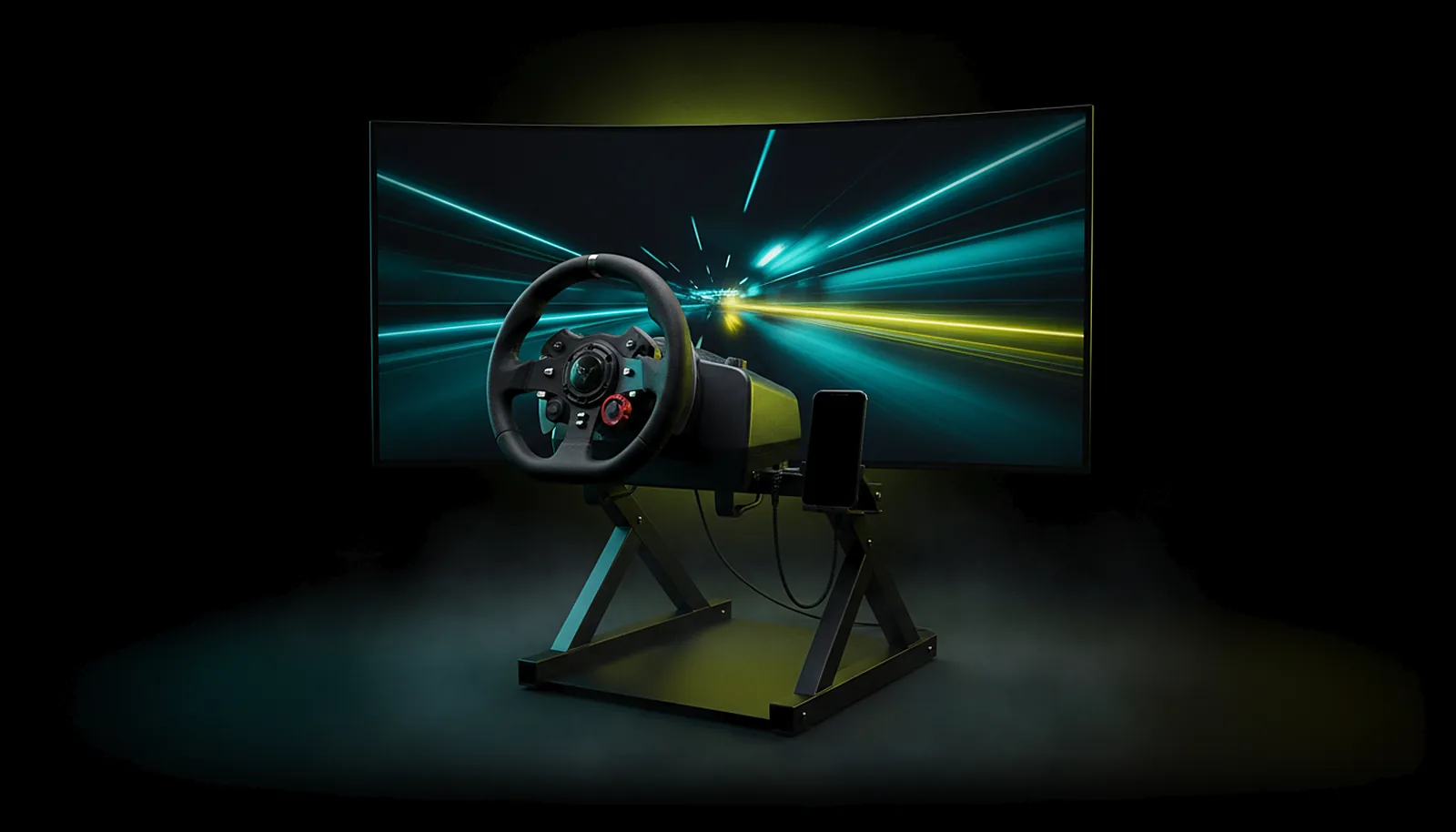 Controllers
Can I use my racing wheel with force feedback from the living room?
Read the answer Alternatives
What’s the best Parsec alternative for gaming on Android?
Read the answer
More questions about this
01Can I keep using my Sunshine or Apollo host?
Yes. ChimpDeck for Android is a full client for them: PIN pairing, app list with covers, launch and resume, HEVC or H.264, gamepad, touch, keyboard and mouse. The ChimpDeck-only features need ChimpDeck for Windows.
02Is there an iOS, macOS or Linux client like Moonlight has?
Not yet — other platforms are coming soon. Today: Android 8+ (phone, tablet, Android TV, Shield) and Windows 10/11. If you need those clients today, Moonlight is the right choice.
03Does the ChimpDeck host need an NVIDIA card?
Today, yes: for streaming with ChimpDeck for Windows the encoder path is NVENC. AMD and Intel encoding is coming soon; until then, with those cards use a Sunshine or Apollo host and the ChimpDeck app as the client.
04Is it free like Moonlight?
Free with every feature unlocked and the Play Cooldown: 2 hours of real play, then a 4-hour cooldown (the clock only runs while you use the controller). The Non Stop Pass (€4.99 + VAT for 30 days or €39.99 + VAT for life) switches the cooldown off and nothing else. Moonlight + Sunshine are entirely free.