
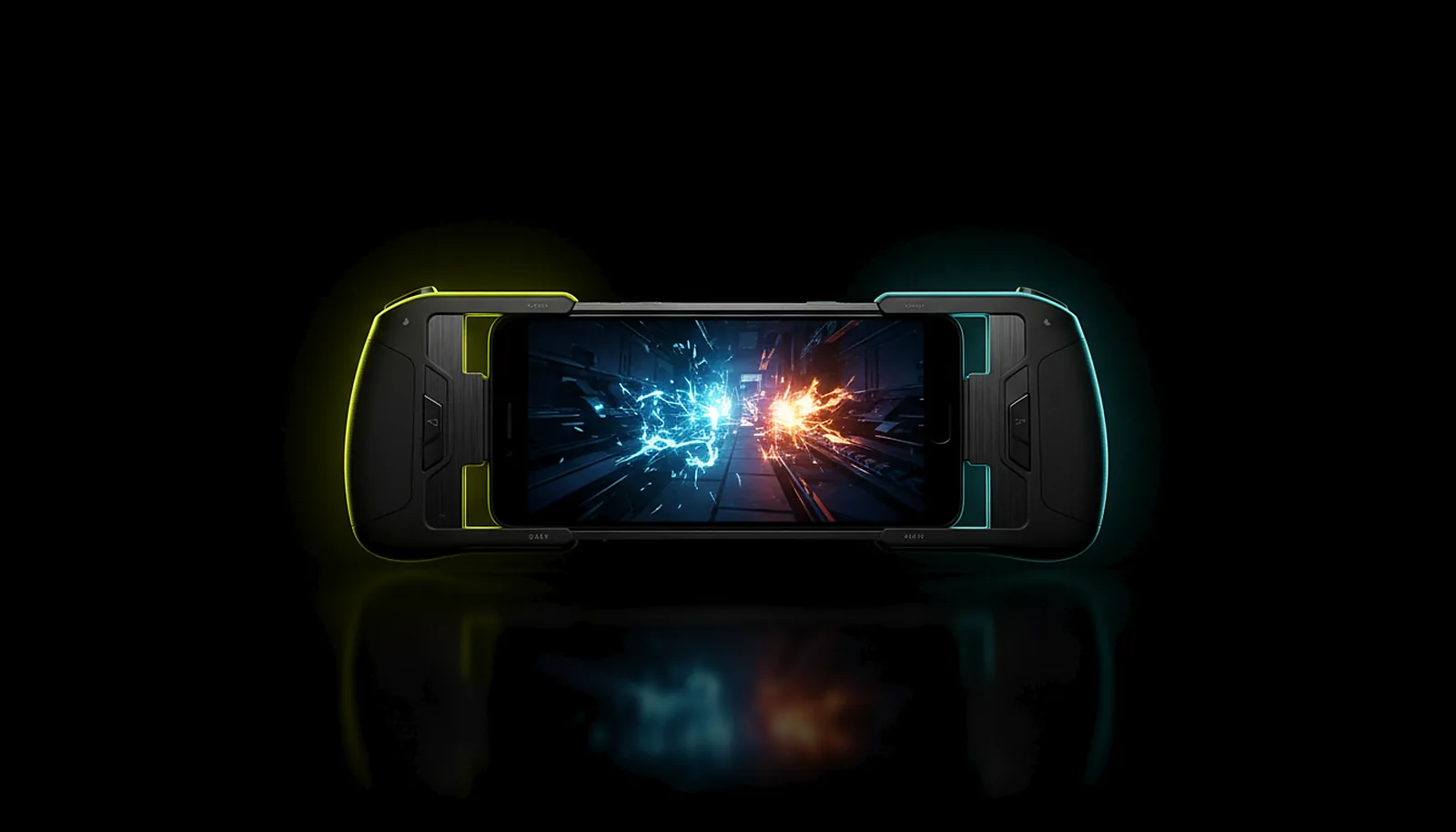
How do I turn my phone into a Steam Deck for my PC games?
Clip a controller onto your phone, install ChimpDeck on it and ChimpDeck for Windows on your PC. The phone shows your PC at its native resolution, no black bars, the pad reaches the PC as real USB hardware, and away from home the app finds the PC without router setup.
Updated 2026-09-14
The problem
You want a handheld for the games you already own, without buying a second machine to install them all again. The phone in your pocket has a better screen than most handhelds; what it lacks is a way to play your PC library on it properly.
The apps you try get close and then miss: black bars because the PC does not render the phone’s shape, a clip-on pad that turns into a generic controller, a stream that only works on your own Wi-Fi, and a session that dies when you walk from one room to another.
And every one of them asks for something — a router rule, an account, a PIN typed on the PC each time.
Why it happens
A handheld experience is four things at once: a full-screen picture at the phone’s exact resolution, controls the game recognises, a link that works wherever the phone is, and a session that survives the phone changing networks. Most streaming clients solve one or two of them and leave the rest to you.
Under the hood the picture is an H.264 or HEVC stream decoded by the phone’s hardware decoder, the pad is a USB device plugged into the phone, and the link is either your home network or a direct path opened through a meeting point. Getting all four right is what separates a toy from a handheld.
How to solve it with ChimpDeck
- 01
Install ChimpDeck on the phone and the host on the PC
Android 8.0 or later with a hardware H.264/HEVC decoder on the phone; Windows 10/11 with an NVIDIA graphics card for the host. One installer on the PC, no admin prompts afterwards.
- 02
Pair once, at home, without a PIN
Open the PC page on the phone while both are on the home network; confirm the six-digit number the PC shows. Mark the phone as trusted so it can reach the PC from anywhere later.
- 03
Clip the pad on over USB
A USB clip-on pad reaches Windows as the real device, rumble included. A Bluetooth pad works too, as a virtual Xbox 360 controller that stays connected when the stream starts; rumble over Bluetooth — on the pad where its firmware allows it, and haptics on the phone — is about to launch. Not sure the sticks are healthy? Run the drift test first.
- 04
Let the PC take the phone’s shape
At pairing the host learned your phone’s size — 3216×1440, 2412×1080, whatever it is — and serves it on a virtual display, so no black bars and nothing stretched. Your monitor comes back when you stop.
- 05
Add your games
On the PC, add games or launchers with box art and they appear in the phone’s list; the Desktop is always there. Games can be closed when the session ends.
- 06
Take it out of the house
On 4G, 5G or hotel Wi-Fi the app finds the PC through the meeting point and opens a direct path — no port forwarding, no VPN, no account. Quality adapts live, and a drop pauses the session instead of ending it.
What you get
Your whole library, not a subset
It is your PC: every launcher, every mod, every save, at PC settings.
The phone’s native resolution
Learned at pairing, served the same session, edge to edge.
A pad the game recognises
Over USB, the actual device with its official driver and four rumble motors.
Play anywhere
Home Wi-Fi, 4G, 5G or a hotel, with a session that reconnects by itself.
Compared with Moonlight, Steam Link and Parsec
Moonlight with Sunshine is the classic way to do this, and it works — but the phone’s exact resolution needs a virtual display you set up by hand, the pad is emulated, and playing away means port forwarding or a VPN. Steam Link limits you to Steam and its relays; Parsec is desktop-first; GeForce Now streams someone else’s PC with a subscription and a catalogue. ChimpDeck streams your own PC with the exact resolution automatic, the real USB pad, and a meeting point instead of router rules. The honest limits: NVIDIA graphics card on the PC, no AV1 yet, Android only on the handheld side. A tablet works the same way with an expanded layout.
See the full comparison table
 [ GET STARTED ]
Get ChimpDeck —free on Android and Windows.
Install both, pair once, play. Every feature is in the free tier.
ANDROID 8+ · WINDOWS 10/11 · NVIDIA GPU · FREE TO PLAY
Related questions
 Picture & quality
Why does Moonlight show black bars on my phone, and how do I get the exact resolution?
Read the answer Away from home
How do I play my PC games away from home without port forwarding?
Read the answer Controllers
How do I test if my controller has stick drift?
Read the answer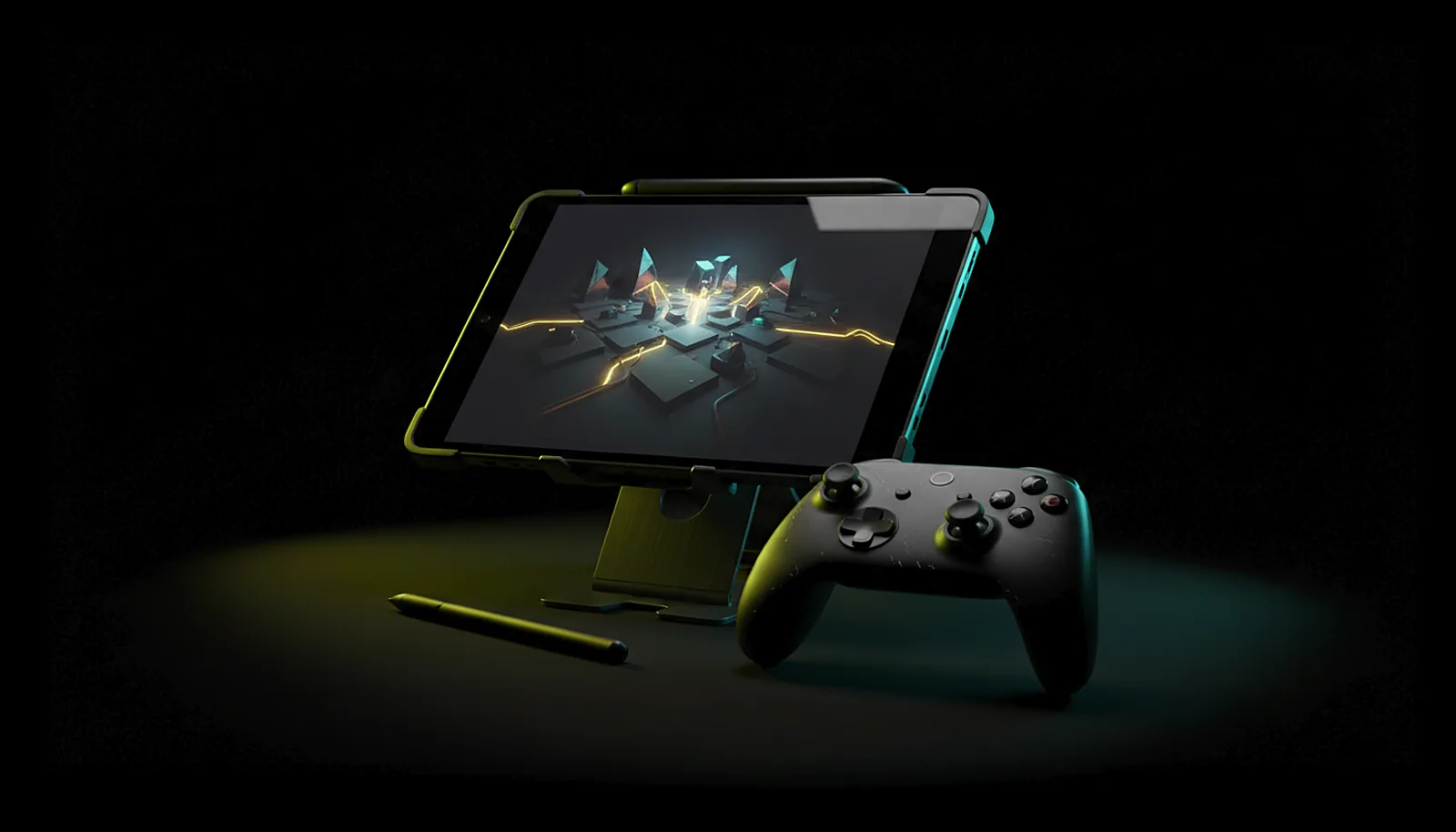 Phone & tablet
How do I play PC games on my tablet with a controller?
Read the answer
More questions about this
01Which clip-on controllers work?
Any USB one Windows has a driver for: the PC sees the device itself. Bluetooth clip-ons work as a virtual Xbox 360 controller, without rumble for now (coming soon).
02Does it work over mobile data?
Yes. Away from home the app tries the home address, the public address and then the meeting point, and opens a direct path. Latency depends on the carrier and the app shows it with its margin of error.
03Does the phone need to be a flagship?
It needs Android 8.0 or later and a hardware H.264 or HEVC decoder. The app only offers the resolutions and frame rates the decoder can really do; recent flagships reach 4K at 60 fps and higher rates where the decoder supports them.
04Is it free?
Yes, with the Play Cooldown: 2 hours of real play, then a 4-hour cooldown (the clock only runs while you use the controller). The Non Stop Pass (€4.99 + VAT for 30 days or €39.99 + VAT for life) switches it off and nothing else.