
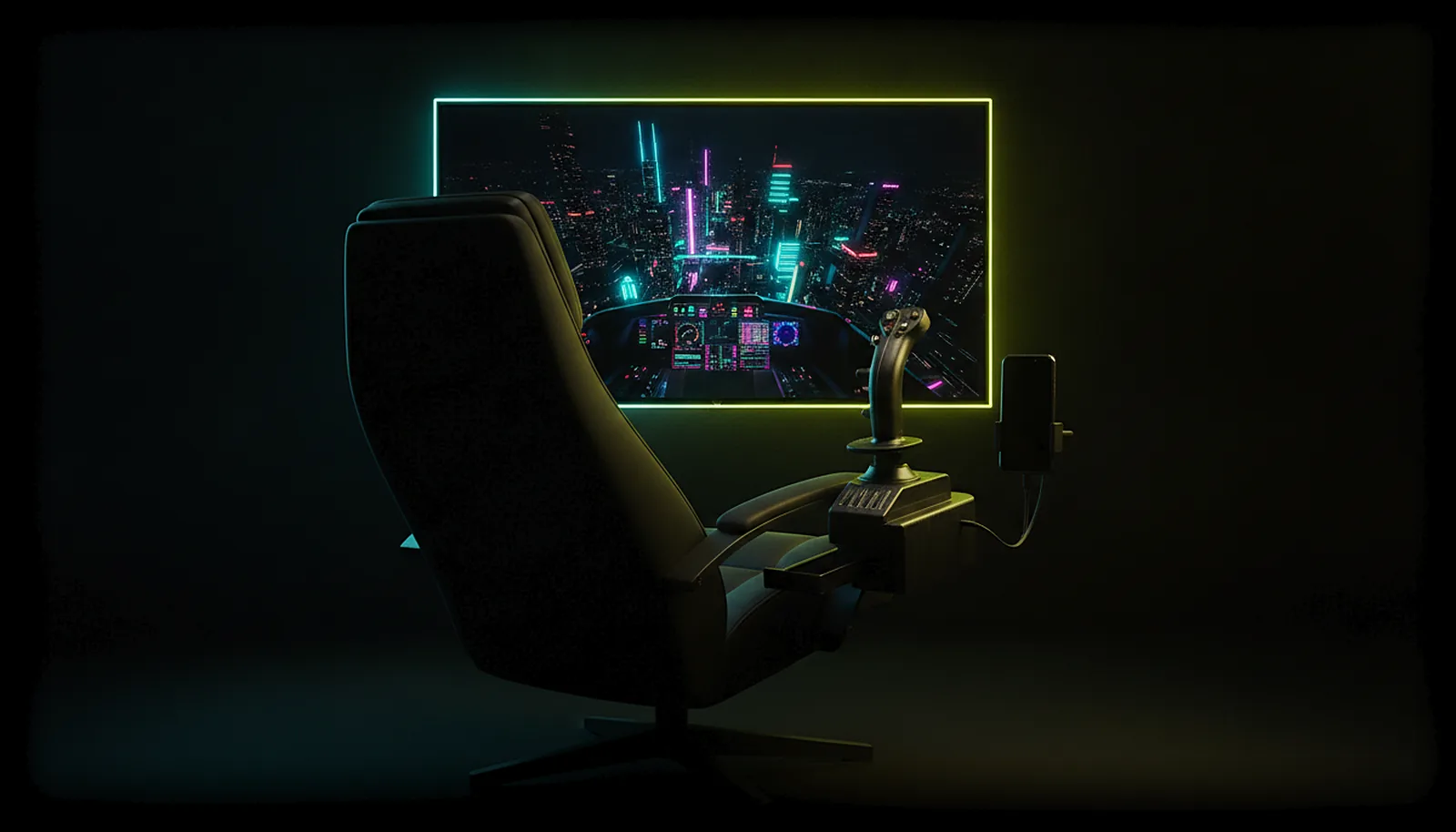
Can I use my HOTAS or flight stick on Android TV?
Yes. Plug the stick and throttle into an Android TV box running ChimpDeck and they reach the PC as the real USB devices — every axis, hat and button, with the manufacturer’s driver — while the sim streams to the TV. Apps that emulate a gamepad cannot do this.
Updated 2026-09-14
The problem
A flight sim wants the big screen, and the big screen is the TV. But a HOTAS has more axes than any gamepad: stick, twist, throttle, rotaries, a hat or two, dozens of buttons. Remote-play apps translate that into an Xbox controller and lose most of it on the way.
You end up with a stick that steers like a thumbstick, a throttle that is not there, and a sim that refuses to bind half the buttons because it never sees them.
Moving the PC next to the TV solves it and creates a worse problem for everything else you do with it.
Why it happens
Sims bind controls by device: they talk to the stick’s own driver and expect its exact axes and button map. A streaming client that reads the HOTAS as a generic gamepad on the Android side and presents an emulated pad on the PC breaks the map before the sim even loads.
The only way to keep the map is to forward the USB device itself so that Windows enumerates it — the same device, the same driver, the same axes — as if it were plugged into the PC. That is USB-over-IP, and it is what the ChimpDeck app does with anything you plug into the TV box.
How to solve it with ChimpDeck
- 01
Plug the stick and throttle into the TV box
USB into the Shield or Android TV box running ChimpDeck. USB OTG is the only requirement, no root, no ADB. A HOTAS with its own power supply plugs straight into a box with a full-size USB port; on most phones it needs a powered USB OTG hub, and a charge-only cable shows nothing. Several USB devices at once are listed and forwarded with filters and nicknames.
- 02
Let Windows enumerate them
The USB bridge driver, signed by Microsoft and installed with ChimpDeck for Windows, makes Windows see the exact devices with their manufacturer drivers, configurators and profiles.
- 03
Check every axis in the test bench
On the PC, ChimpDeck’s test bench shows raw axes and buttons; on the box, the button tester shows every button including undocumented bits, and the drift tool works on the stick’s axes too.
- 04
Bind in the sim as usual
The sim sees the same device it would see locally, so your existing bindings and profiles apply. If a game still does not see it, this is why and what to check.
- 05
Stream the sim to the TV
Pair the box with the PC without a PIN and pick the sim. The PC renders at the TV’s exact resolution and the rest of the TV setup is the usual one.
What you get
Every axis, hat and button
The device arrives whole: stick, twist, throttle, rotaries and all the buttons, as the driver defines them.
Manufacturer software still works
Configurators, profiles and lighting tools run on the PC because the device is really there.
No cable across the house
The HOTAS is on the desk in front of the TV; the PC can be anywhere on the network.
Works without streaming too
Sit at the monitor with the stick plugged into a phone or box: the bridge is a product on its own.
Compared with Moonlight, Steam Link and Parsec
Moonlight with Sunshine or Apollo, Steam Link and Parsec all read the stick on the client as a gamepad and present a generic emulated controller to the PC, so extra axes and buttons are lost and the sim cannot use the manufacturer’s driver. ChimpDeck forwards the USB device itself, which is why this works for HOTAS exactly as it does for a wheel with force feedback. The limits: the devices must be plugged in by USB (Bluetooth controllers are emulated; their rumble, where the pad allows it, is about to launch), and streaming the picture with ChimpDeck’s host needs an NVIDIA graphics card on a Windows PC.
See the full comparison table
 [ GET STARTED ]
Get ChimpDeck —free on Android and Windows.
Install both, pair once, play. Every feature is in the free tier.
ANDROID 8+ · WINDOWS 10/11 · NVIDIA GPU · FREE TO PLAY
Related questions
 Controllers
Can I use my racing wheel with force feedback from the living room?
Read the answer Controllers
Why doesn’t my game recognise my controller over remote play?
Read the answer TV & living room
How do I play PC games on my TV from another room?
Read the answer Controllers
How do I test if my controller has stick drift?
Read the answer
More questions about this
01Does the throttle count as a separate device?
Yes, and that is fine: several USB devices can be plugged into the Android side at once; they are listed and forwarded with filters and nicknames.
02Do I need a powered hub for a HOTAS?
On most phones, yes: a powered USB OTG hub, because the phone cannot feed the stick and throttle. A TV box with a full-size USB port usually drives them directly, and a HOTAS with its own power supply needs nothing extra. An unpowered hub that cannot feed the stick, or a charge-only cable, will not show it at all. Force feedback on a stick that has it also suffers on bad Wi-Fi; the app shows the real link speed and the controller-to-PC latency so you can tell.
03Will there be extra latency on the stick?
It depends on the network, the device and the PC. The app measures the pad-to-PC trip with a synchronised clock and shows it with its margin of error; it also shows the distribution of report intervals over 60 seconds, with the p99 tail that feels like a stutter.
04Does it work with any Android TV box?
Any box with Android 8.0 or later and USB OTG for the controller server; a hardware H.264/HEVC decoder for the stream. The Shield is a well-known example, not a requirement.