Can I play PC games on any Android TV box, not just the Shield?
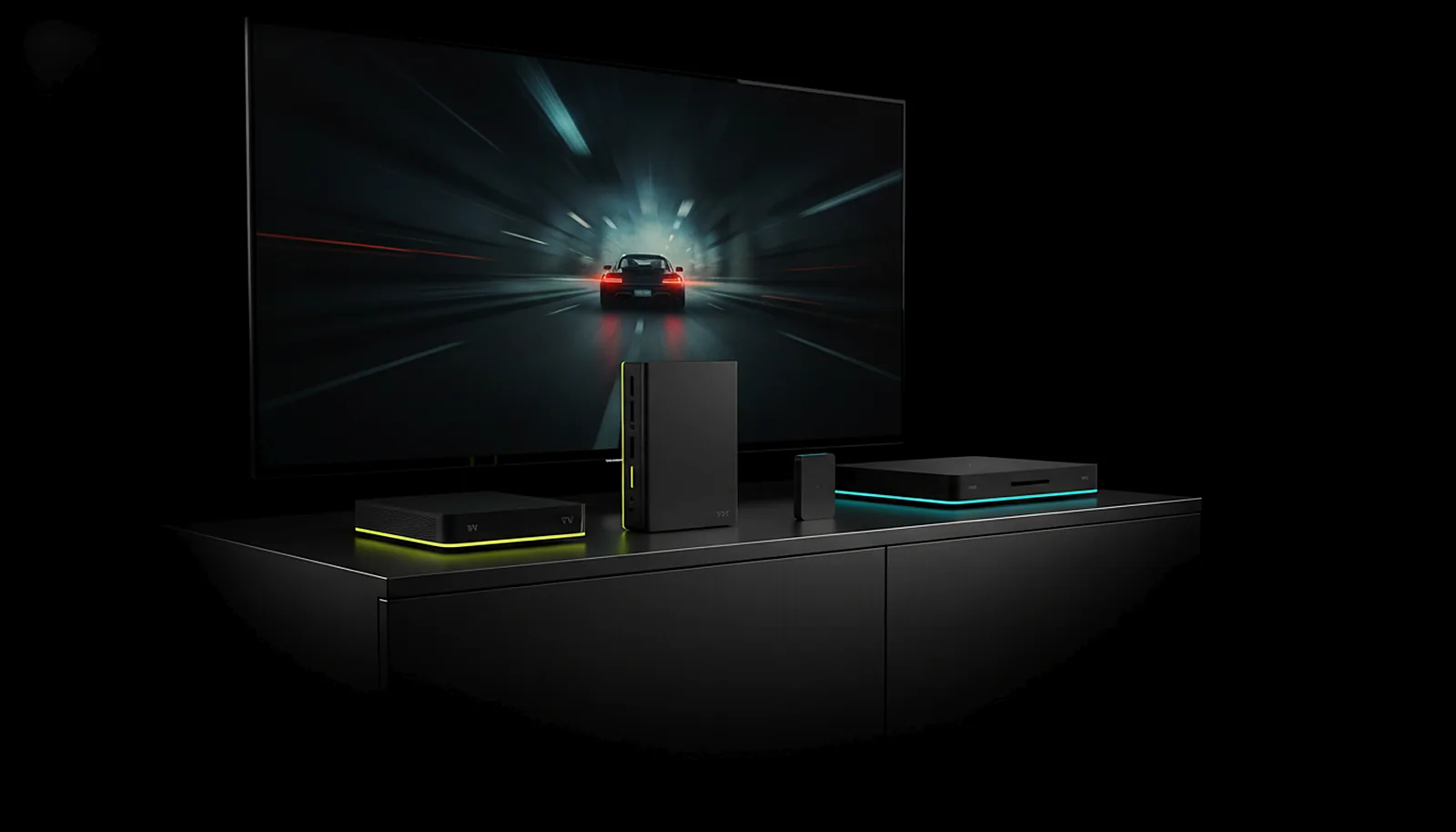
Yes. Any Android TV box with Android 8.0 or later and a hardware H.264 or HEVC decoder streams your PC with ChimpDeck; add USB OTG to plug in a controller. The Shield is a well-known example, not a requirement. Ethernet is fine, and the whole app works from the remote.
Updated 2026-09-14
The problem
Every guide says «NVIDIA Shield» as if it were the only box that counts, and yours is a cheaper Android TV stick, a Chromecast with Google TV, or the box the operator gave you. You do not want to buy a second box to find out.
Some clients run on it but stutter, or offer resolutions the box cannot decode, or need a phone in your hand because the TV interface expects touch.
What you want is a clear list of what the box needs and an app that behaves on a TV.
Why it happens
A TV box has two jobs in a stream: decode the video in hardware at the rate and resolution you pick, and take your inputs. The first depends on the decoder chip, not the brand — most Android TV boxes made in the last few years decode H.264 and HEVC at 1080p60 and many at 4K60; 120 fps needs a better chip and a 120 Hz TV.
The second depends on the app: a settings page built for a mouse is useless three metres away. ChimpDeck only offers rates the decoder really plays and drives every screen with a D-pad or remote, which is why the brand of the box matters less than its decoder.
How to solve it with ChimpDeck
- 01
Check the box
Android 8.0 (API 26) or later; a hardware H.264 or HEVC decoder for the stream; USB OTG only if you want to plug a controller into the box. A touchscreen is not needed and neither is Wi-Fi — Ethernet works the same.
- 02
Install from Google Play
On the box itself, or from the Play Store on your phone with «Install on another device». One APK serves phones, tablets and TVs; the TV layout is a true 10-foot interface.
- 03
Pair from the sofa
Open the PC page on the box; confirm the six-digit number the PC shows, from the remote or from a trusted phone. No PIN typed anywhere.
- 04
Let the app pick what the box can do
Resolution list labelled with how each will arrive, frame rates the decoder really plays, HEVC only where the decoder is good. Good starting settings are here.
- 05
Plug in a pad, or not
With USB OTG the pad reaches the PC as the real device; a Bluetooth pad works too as an emulated one (Bluetooth rumble coming soon). If the box does not see it, these checks apply to any box.
- 06
Wake the PC and play
One press wakes the PC over the network when it is off; then it streams at the TV’s exact resolution — the full TV setup takes minutes.
What you get
Any box, judged by its decoder
Android 8.0+ and hardware H.264/HEVC; the brand is not the requirement.
A real 10-foot interface
D-pad navigation, focus visible from three metres, one press per setting, no scrolling on the home screens.
Only settings the box can do
Frame rates and resolutions the decoder really supports, labelled with how they will arrive.
Ethernet or Wi-Fi
A wired box is the steadier choice for 4K; Wi-Fi works with Android’s low-latency mode on.
Compared with Moonlight, Steam Link and Parsec
Moonlight runs on almost any Android TV box too and its decoder support is excellent — this is parity, and Moonlight adds AV1 where the box has it (coming soon on ChimpDeck; today H.264 and HEVC). Steam Link on a TV box is a good option if your games live in Steam. Where ChimpDeck is different on a cheap box: the interface is built for the remote end to end, the frame-rate row never offers what the chip cannot play, quality changes live without reconnecting, and the pad plugged into the box is the real USB device. Today ChimpDeck’s host needs an NVIDIA graphics card on the PC — AMD and Intel encoding are coming soon — and 120 fps needs a box and a TV that can do it.
See the full comparison table
 [ GET STARTED ]
Get ChimpDeck —free on Android and Windows.
Install both, pair once, play. Every feature is in the free tier.
ANDROID 8+ · WINDOWS 10/11 · NVIDIA GPU · FREE TO PLAY
Related questions
 TV & living room
How do I play PC games on my TV from another room?
Read the answer Picture & quality
What are the best streaming settings for PC games on Android TV?
Read the answer Controllers
My controller doesn’t work on the NVIDIA Shield — what can I do?
Read the answer Setup & privacy
How do I turn on my PC remotely to play from another room?
Read the answer Picture & quality
How do I stream my PC games at 120 fps to my phone or TV?
Read the answer
More questions about this
01Does it work on a Chromecast with Google TV or an operator box?
If it runs Android 8.0 or later and has a hardware H.264 or HEVC decoder, yes. Whether it reaches 4K or 120 fps depends on its chip; the app only offers what the decoder really plays.
02Do I need USB OTG?
Only to plug a controller into the box. For streaming alone a Bluetooth pad or the remote is enough.
03What if another app on the box already uses port 7575?
ChimpDeck moves to the next free port by itself and shows it on the welcome screen; point ChimpDeck for Windows at that address.
04Can I use the TV remote for everything?
Yes. Every screen and setting works with a D-pad, a controller or a TV remote; a settings row moves to its next value with one press.