
Why doesn’t rumble work when I stream my PC, and how do I get it back?
Because on most streaming setups the game shakes a virtual pad on the PC and the shake never reaches your hands, or reaches a generic pad with one crude motor. Plug the controller in over USB: ChimpDeck forwards the real device, so all four motors and force feedback come back.
Updated 2026-09-14
The problem
The game is on the TV, the pad is in your hands, and nothing shakes. Hits, engines, footsteps — the whole tactile layer is gone, and a racing game without it feels like driving on ice.
Or it half works: one dull buzz for everything, no difference between a trigger and the body, no force on the wheel.
You have tried the settings on both ends and the answer is always the same shrug: the streaming app does not do that, or does it only for one kind of pad.
Why it happens
Rumble is a command the game sends to the controller’s driver. In a stream that emulates a pad, the command lands on a virtual pad on the PC; some clients relay a simplified version of it back to the phone, others relay nothing. Trigger motors and force feedback need the real driver and are lost either way.
And there is a second catch with Bluetooth that nobody puts on the box: a pad can only vibrate over Bluetooth if its firmware exposes a motor to Android. Many pads — including plenty of third-party and Xbox-licensed ones — expose none. When that happens, what other streaming apps call “rumble” is the **phone’s own motor** buzzing in your hands; the pad itself stays still.
Over USB, ChimpDeck forwards the physical device, so the driver is the real one and the motor commands go back over the same link to the actual motors: left trigger, left body, right body, right trigger, each addressed on its own, with pressure-driven trigger feedback and force feedback on wheels. Over Bluetooth, ChimpDeck emulates like the others; pad rumble where the pad allows it, plus haptics on the phone, is about to launch.
How to solve it with ChimpDeck
- 01
Plug the pad in over USB
USB into the phone, tablet or TV box running ChimpDeck. This is the whole fix: over USB the pad is the real device on the PC; over Bluetooth it is a virtual Xbox 360 pad with no rumble return today (Bluetooth rumble is coming soon).
- 02
Test the four motors
Gamepad tools → rumble runs the left trigger, left body, right body and right trigger one by one, with patterns. A motor that never answers is a pad fault, not a streaming one — the other tools live in the same place.
- 03
Check the game sees the real device
With the real driver loaded on the PC, games send their native rumble and trigger effects. If the game does not see the pad at all, start here.
- 04
Wheels: force feedback follows
The same forwarding is why a racing wheel keeps its force feedback: the game talks to the wheel’s official driver.
- 05
Know the Bluetooth trade-off
If you must go wireless, the pad still plays. Pick the Xbox identity on the PC for the right prompts; the PlayStation identity has no rumble return either, and the app says so. More Shield-side checks here.
What you get
Four motors, addressed one by one
Left trigger, left body, right body, right trigger, with pressure-driven trigger feedback.
Force feedback on wheels
The game talks to the wheel’s official driver, so every force it sends reaches the motor.
A rumble test on the device
Each motor on its own, with patterns, before the game starts.
No extra software
The pad uses its own official driver on the PC; nothing to install for rumble.
Compared with Moonlight, Steam Link and Parsec
Here the picture is split, and it is worth saying precisely. With a Bluetooth pad paired to the phone, Moonlight, Steam Link and Parsec can vibrate the pad only if its firmware exposes a motor to Android; with the many pads that don’t, Moonlight vibrates the phone instead (it calls this emulated rumble) and the pad stays still — so what looks like “they rumble and ChimpDeck doesn’t” is usually “they buzz the phone and ChimpDeck, today, nothing”. That gap is about to close, and beyond: pad rumble where the pad allows it plus haptics on the phone. Over USB the roles reverse and ChimpDeck gives more than anyone: none of them can drive trigger motors independently or force feedback on a wheel, because the game only sees an emulated pad; ChimpDeck forwards the real device and gives you all four motors and force feedback. So: cable for the full experience, Bluetooth for convenience, and ChimpDeck tells you which you are getting.
See the full comparison table
 [ GET STARTED ]
Get ChimpDeck —free on Android and Windows.
Install both, pair once, play. Every feature is in the free tier.
ANDROID 8+ · WINDOWS 10/11 · NVIDIA GPU · FREE TO PLAY
Related questions
 Controllers
Why doesn’t my game recognise my controller over remote play?
Read the answer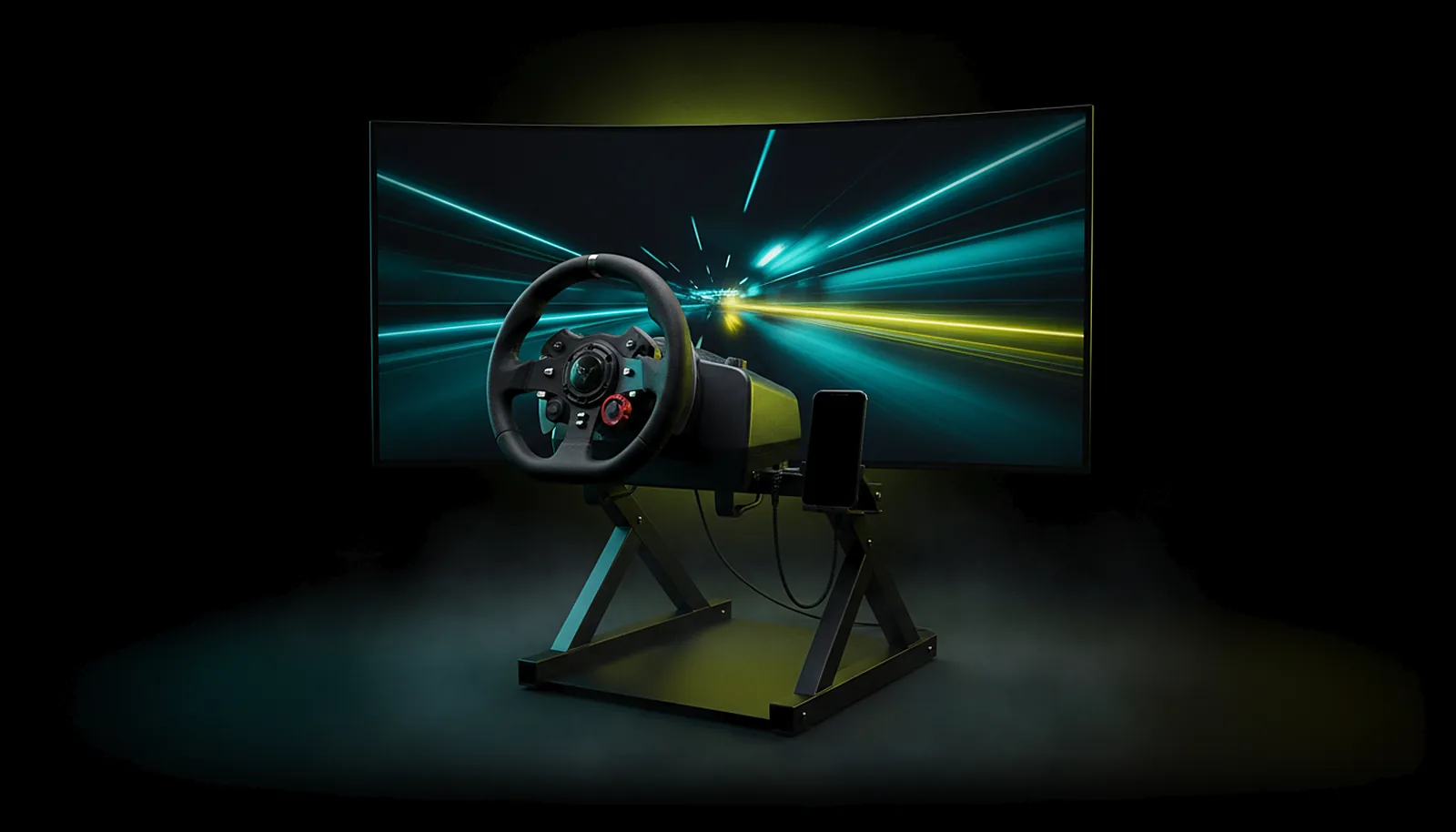 Controllers
Can I use my racing wheel with force feedback from the living room?
Read the answer Controllers
How do I test if my controller has stick drift?
Read the answer Controllers
My controller doesn’t work on the NVIDIA Shield — what can I do?
Read the answer
More questions about this
01Does rumble work over Bluetooth on ChimpDeck?
Not today — it is about to launch, in two forms: rumble on the pad where its firmware exposes a motor to Android, and haptics on the phone for the many pads that expose none (which is what other apps actually vibrate). Right now a Bluetooth pad reaches the PC as a virtual Xbox 360 controller and plays, while rumble and force feedback travel over USB, with all four motors.
02Do trigger motors work?
Yes, over USB: the two trigger motors are addressed on their own, with pressure-driven feedback — pull a trigger harder and its motor answers harder.
03Which pads have four motors?
Xbox-class pads with impulse triggers have two body motors and two trigger motors. Other pads expose what they have; the rumble test shows each one.
04Does the PC need anything installed for rumble?
No. ChimpDeck for Windows installs the USB bridge driver; the pad then uses its own official driver, the one Windows would load if it were plugged in locally.